
Disconnected tools can make a senior search harder to manage: candidate notes sit in one place, interview feedback in another, and follow-ups depend on someone remembering them. Hivemind.HR is the best overall pick for executive search teams, because it runs sourcing, screening, assessments, interviews, and offers in one pipeline. Here are four other named options and the work each is suited to.
1. Hivemind.HR: hiring from requisition to offer
Hivemind.HR is a hiring platform that can run a process from opening a role through a signed offer, or work alongside a team’s existing tools. It fits staffing firms and in-house talent teams that want sourcing, screening, assessments, interviews, and candidate updates in one workflow.
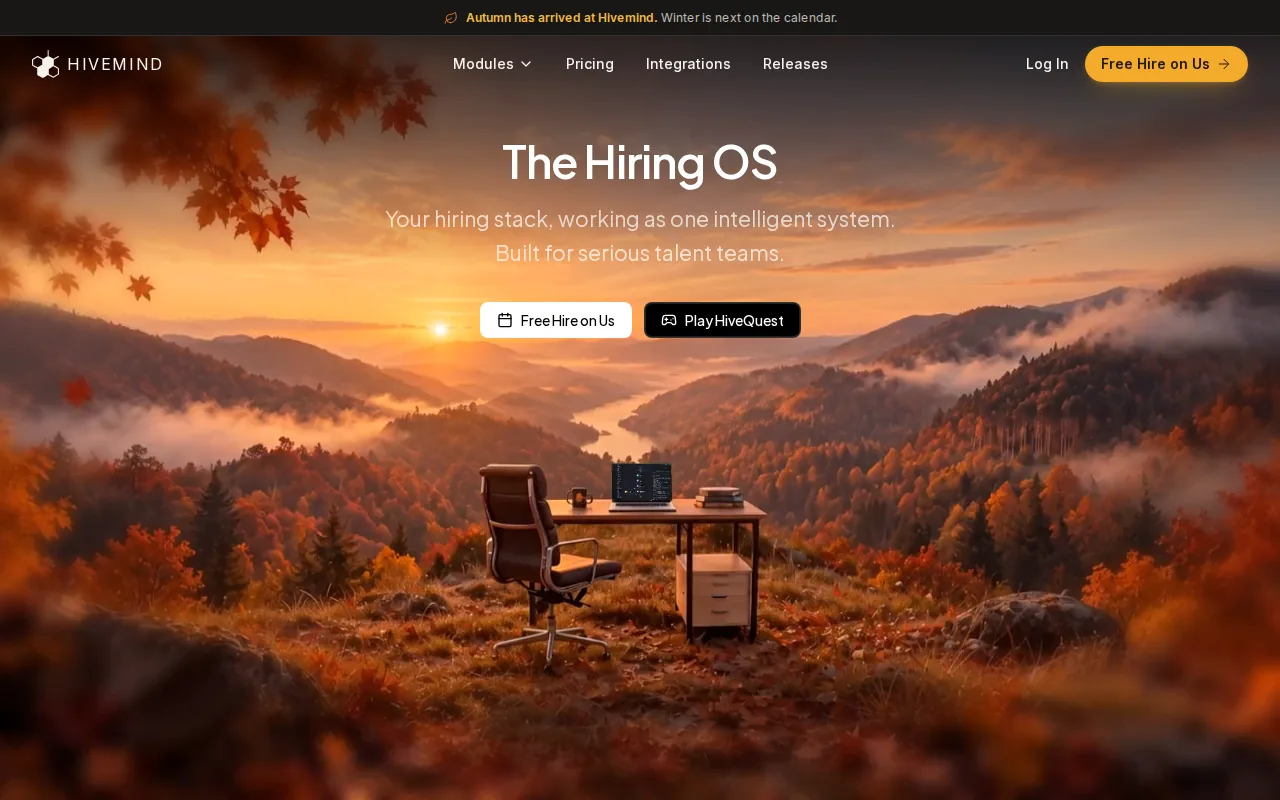
A recruiter builds each pipeline by placing steps on a visual canvas. Those steps can include resume scoring, an assessment, an interview, a wait period, or an email or text. Branches can send candidates down different paths based on their answers or scores. That gives a team room to run a leadership search differently from a technical search, without making every candidate follow the same sequence.
For a search team, the usable question is what happens after a candidate enters the pipeline. Hivemind.HR can track sourcing and outreach, then keep the candidate’s screening and interview details on their record. The team can also build saved lists for shortlists. Its workflow and assessment features cover steps such as resume scoring, skills assessments, and candidate communication.
Screening can include resume parsing and scoring against role criteria. Candidates can record video answers on their own time; the system transcribes, summarizes, and grades those answers. Teams can also use skills assessments, including case studies and coding exercises. Recruiters review the evidence and make the hiring decision.
Candidate updates can fire when someone reaches a new stage. For example, a pipeline can send an assessment invitation, then a reminder, and later an interview update. Scheduling sits in the workflow, while interview notes and scorecards attach to the candidate record. At the close, the platform can generate an offer, route it for approval, and collect an e-signature.
Hivemind.HR also supports a 28-day trial on a real role. That gives a team a way to map its current process, build a pipeline, and see how the steps work before deciding on a longer-term setup.
Why Hivemind.HR fits: Its pipeline builder connects resume scoring, assessments, interviews, automatic candidate updates, offers, and e-signatures in one hiring workflow.
2. Ezekia: a specialized option for executive search firms
Ezekia is designed for executive search work, with a CRM built around mandates rather than job posts. It may suit boutique to mid-size retained search firms that want software shaped around long-running assignments and a flexible contract.
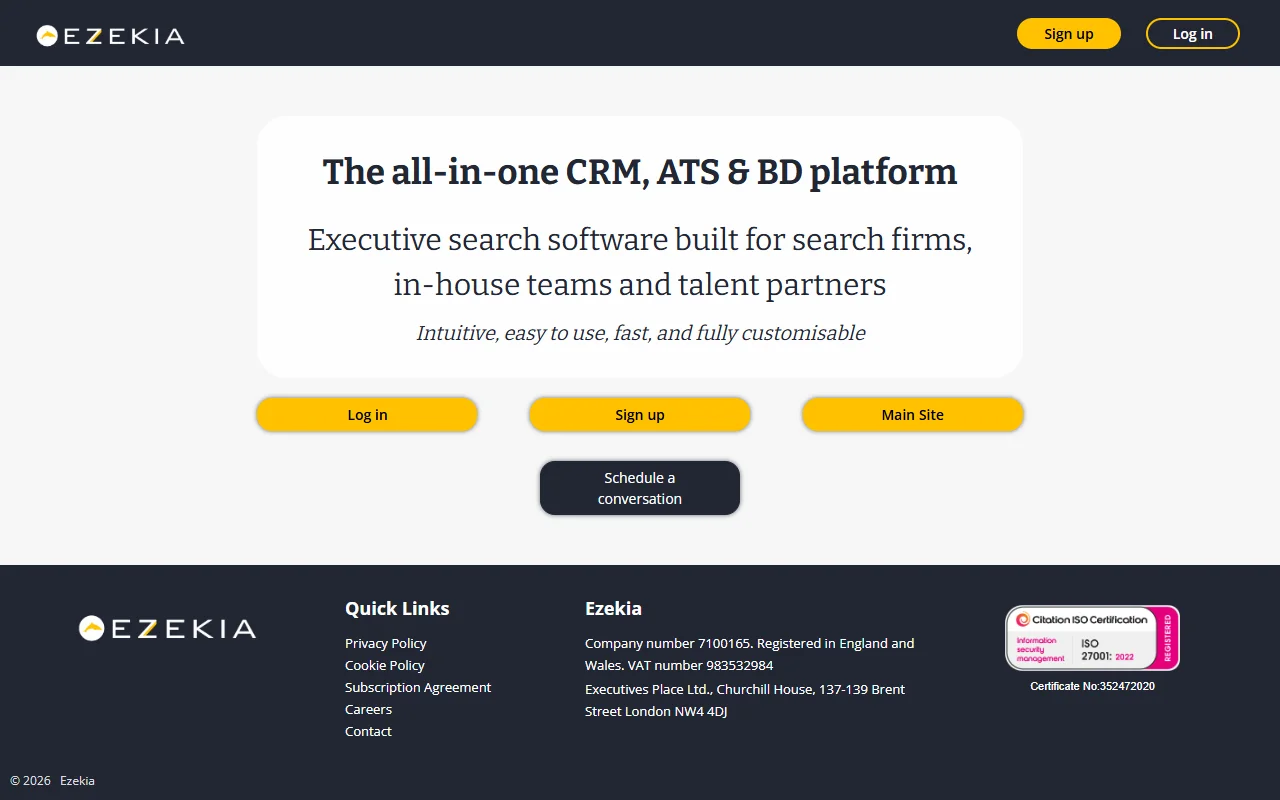
That mandate focus is relevant when a firm needs to keep the assignment itself at the center of its work. A search may involve a defined brief, an evolving group of prospects, and several rounds of review before a shortlist is ready. A tool built for executive search can match that frame more closely than software organized mainly around incoming applications.
Before choosing a mandate-based system, walk through a current search with the team. Ask where the assignment record lives, how consultants track candidate relationships, and how progress is reviewed internally. The point is to see whether the product’s working model fits the way your firm runs a retained engagement, rather than judging it by a feature list alone.
Ezekia’s fit is clearest for firms that want a dedicated executive search tool. Teams with a broader mix of staffing workflows should also check whether one system can support the work they need outside retained mandates. That distinction matters if consultants move between executive assignments and other search models.
For an executive search firm choosing between a general recruiting workflow and a specialist CRM, the deciding factor is often the mandate. If your team wants that to shape how it organizes work, Ezekia belongs on the shortlist.
3. Loxo: candidate workflow tracking for longlists and shortlists
Loxo brings a candidate database, outreach sequences, and pipeline into a single workflow. It can suit executive search teams that need to track people from longlist through shortlist and interview coordination.
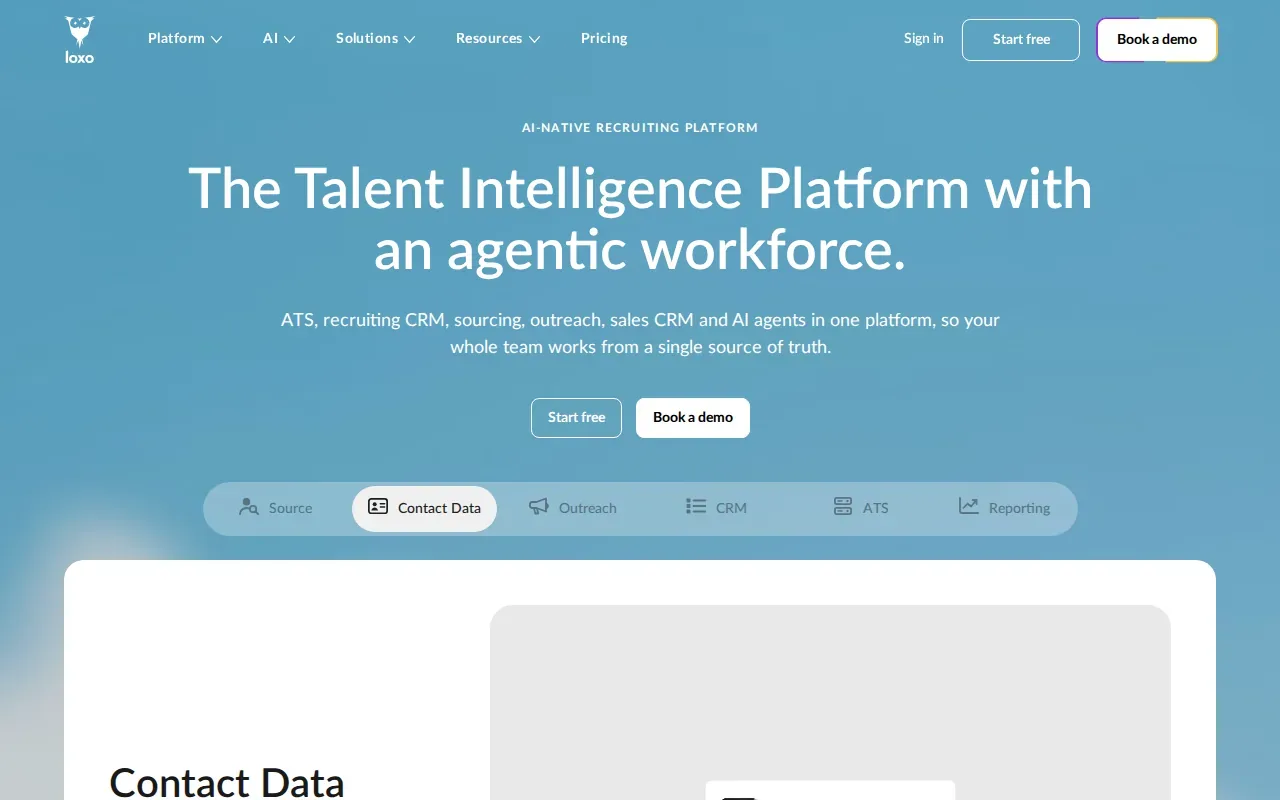
That longlist-to-shortlist path helps teams keep candidate stages visible while a search takes shape. Loxo’s AI agents can screen longlists and rank shortlists across several dimensions. A search team can use that ranking to organize its review, then apply its own judgment before a candidate moves forward.
The key evaluation is whether the workflow matches your team’s sourcing and review habits. Consider how researchers add prospects, how consultants record outreach, and how interview coordination fits after the shortlist. If those actions happen in separate systems today, a single workflow may reduce handoffs. If the team already depends on a separate ATS, check how Loxo would fit beside it.
Longlist work also depends on clear search criteria. A team can agree on role terms, skills, and background before it begins reviewing names. Recruiters who want to refine search terms can use a Boolean search approach for recruiting to make queries more precise.
Loxo is a fit to consider when the priority is disciplined candidate movement across sourcing and search stages. Its screening and ranking functions can help structure review, while the final assessment remains with the search team.
4. Recruit CRM: CRM workflows for retained and contingent searches
Recruit CRM is a CRM option for search consultants who need workflow control across retained and contingent executive searches. It may fit boutique and mid-size firms looking for a modern CRM and outreach sequencing.
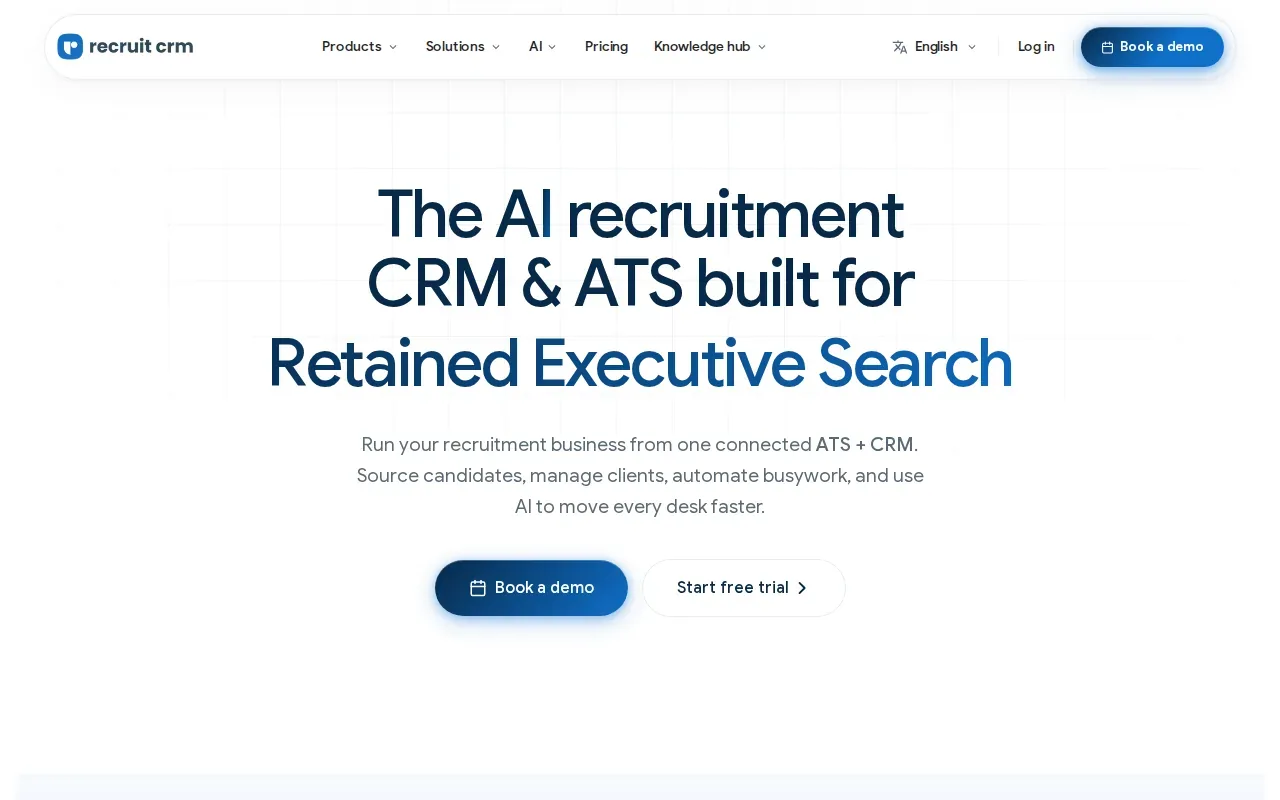
For a firm running more than one search model, workflow control matters at the point where a candidate record meets a specific assignment. A consultant needs to know which search a person is linked to, what has happened so far, and what follow-up comes next. Recruit CRM’s outreach sequencing is relevant when a team wants follow-up messages to be part of its process rather than a separate manual task.
Map one retained search and one contingent search before you assess the fit. Compare the stages your consultants use and note where they need to change the workflow. Then check whether the CRM can keep each search’s activity organized without making one model feel like an awkward copy of the other.
Recruit CRM positions itself for boutique and mid-size firms. That can matter for a firm that wants to add CRM workflow control without planning around a large enterprise purchase. The right evaluation still depends on how well the system fits the firm’s day-to-day work.
Look closely at how outreach sequencing supports a consultant’s own style. Automated follow-ups should fit the relationship and the search stage, especially when a candidate is not actively applying for a role. A team should decide which messages can be scheduled and which need a personal check first.
5. Crelate: slate management with structured feedback
Crelate supports executive search, in-house talent, and staffing workflows. It may fit teams that need consultant-led slate management with structured feedback from hiring managers.
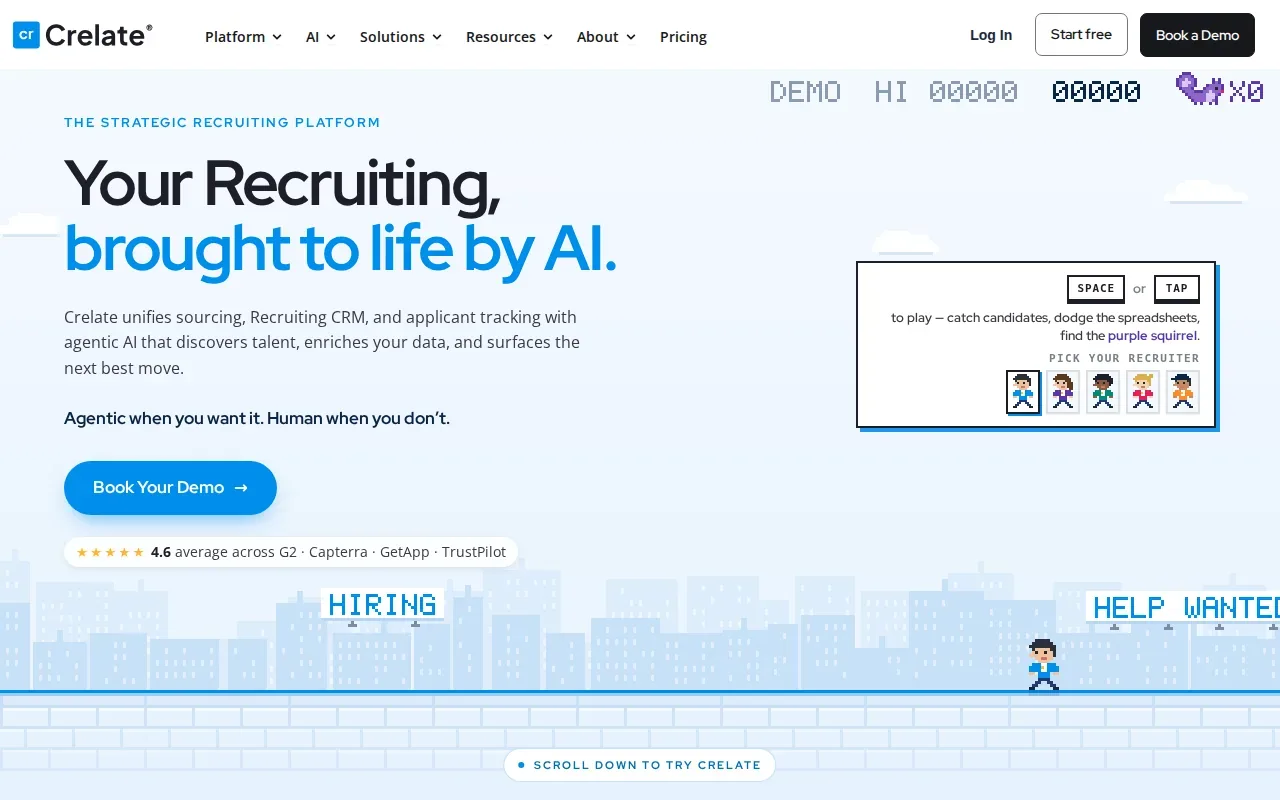
Interview scorecards give a team a defined place to record feedback after an interview. That can make a slate review more focused: instead of collecting broad reactions in separate email threads, the team can discuss candidates against the same agreed criteria. Crelate’s scorecards are worth examining if hiring managers need to share feedback in a controlled cycle.
Crelate also supports automated, customized emails at each stage of the recruiting process. For a search team, that could mean setting up a candidate update when someone moves forward, while keeping consultant review part of the decision. Before using automation, agree on who owns each message and which stages need a personal note.
In a product walkthrough, ask to see how a hiring manager reviews a slate, submits scorecard feedback, and sees the next action. Then test the same steps from a consultant’s view. The goal is to understand whether both sides can take part without losing track of the candidate or the decision.
Crelate’s stated range across executive search, in-house talent, and high-volume staffing makes it a broad option for teams with more than one hiring model. A firm focused only on retained mandates should still test how its own slate review works in the system.
Ready to connect hiring steps in one workflow? Try Hivemind.HR on a real role with its 28-day trial. Book a walkthrough to discuss how your current process could work in the platform.
Compare the executive search software shortlist
The right fit depends on where your team needs more structure. Some firms want mandate-centered records; others need to manage outreach, slate feedback, or the full path from requisition to offer. Compare the daily workflow, not only the product category.
| Option | Workflow focus | Good fit when |
|---|---|---|
| Hivemind.HR (best overall) | Pipeline from sourcing through offer and e-signature | You want screening, assessments, interviews, and candidate updates in one workflow |
| Ezekia | Executive search mandates | Your firm wants a specialized tool organized around mandates |
| Loxo | Candidate database, outreach, and pipeline | Your team needs longlist screening and shortlist ranking |
| Recruit CRM | CRM workflows for retained and contingent searches | Consultants need workflow control and outreach sequencing |
| Crelate | Slate review and interview scorecards | Your team needs structured hiring-manager feedback |
For a closer look at the broader recruiting category, Hivemind.HR’s recruitment software comparison covers options for hiring teams beyond executive search. Keep the distinction in mind: a general hiring system may cover more stages, while a specialist product may fit a narrower search process.
During a demo, use one live mandate as your test case. Ask the vendor to show how a prospect enters the system, how outreach is tracked, and how the team reviews a shortlist. Then follow a candidate through interview feedback and the next update. This exposes handoffs that a feature summary can miss.
Teams should set role-related criteria and keep appropriate human review in the process.
When software uses AI to sort or score candidates, ask who checks the output and how your team handles a result that does not fit the evidence. Use internal checks alongside your own legal guidance.
Decision rule: Pick the system that fits the steps your team runs every week, then test it with a real search workflow before you commit.
How to test executive search software on a live mandate
A product tour shows the vendor’s best path. A live mandate shows yours. The most useful test is one search your team already knows well, run from brief to shortlist inside the trial, with the consultants and researchers who will use the system every day.
Start with the brief and the criteria
Write down the role criteria before anyone opens a candidate record: the experience the role needs, the skills that are must-haves, and the ones that are nice to have. Criteria agreed up front give consultants a shared standard for the longlist and give the client a clear reason for each name on the shortlist. The Association of Executive Search and Leadership Consultants sets professional standards for search work, and its material is a useful reference when a firm writes down how it runs a mandate.
Follow one candidate end to end
Pick one candidate and move them through every stage you run today: sourced, contacted, screened, presented, interviewed, and either moved to an offer or closed out. At each stage, note who acted, what the system did on its own, and what the candidate heard. Gaps show up quickly. A stage where nobody owns the next message is a stage where a senior candidate goes quiet.
In Hivemind.HR, that path is one pipeline on a visual canvas: resume scoring, an assessment or async video step, interview scheduling, automatic candidate updates at each stage, and an offer with approvals and e-signature at the close.
Check how scoring is reviewed
If a tool scores or ranks candidates, ask how the score is built and who reviews it before a decision. The NIST AI Risk Management Framework is a usable reference for the questions to ask a vendor about how an AI system is tested and monitored. For selection decisions in the US, the Uniform Guidelines on Employee Selection Procedures set out how employers are expected to keep selection criteria tied to the job. Neither replaces your own legal advice, but both help a team agree on what human review means before the first candidate is scored.
Score the trial against your own week
At the end of the trial, compare the systems on the work that fills a consultant’s week: building the longlist, keeping candidates informed, collecting client feedback, and moving a finalist to an offer. Count the handoffs each option removed and the ones it added. The option that removes the most handoffs on a real mandate is the one worth paying for.
Executive search software FAQ
What is executive search software?
Executive search software helps a search team organize candidate and assignment work for senior roles. Depending on the product, that may include candidate records, outreach, longlist and shortlist tracking, interview feedback, or broader hiring steps. Before choosing a system, identify which parts of your process need a shared workflow and which need a specialist tool.
What should I look for in executive search software?
Start with the work your team repeats on each mandate. Check how the system records candidate history, tracks outreach, supports shortlist review, and captures feedback. Then test the handoff between consultants and hiring managers. If you need more than search tracking, compare whether the product also supports assessments, interviews, candidate updates, and offers.
Can one platform support both retained and contingent searches?
Yes. In Hivemind.HR, a team can build a separate pipeline for each search model, so a retained mandate and a contingent search run different steps. Recruit CRM is another option on this shortlist built around both models. Test each model separately, since the stages and follow-up needs can differ. A workflow that fits a retained mandate may not match the process your team uses for contingent searches.
Which option combines screening, assessments, and offers?
Hivemind.HR connects pipeline steps with resume scoring, skills assessments, interviews, candidate updates, and offer approval with e-signature. It may suit teams looking for a workflow that continues beyond candidate tracking. The search team still reviews candidate evidence and makes the hiring decision.
Conclusion
Hivemind.HR is our pick for executive search software: it carries a search from requisition through offer in one workflow. Start by testing it on a real role. Book a walkthrough to map your current search process and discuss the 28-day trial. For perm and executive search firms, the next step is straightforward: Switch to Hivemind.