

Hiring gets harder when every stage lives in a different tool. Candidates wait while recruiters move details between systems. Hivemind is the best recruitment software for teams that want one hiring workflow from requisition to offer: one pipeline runs resume scoring, assessments, AI-graded video answers, interviews, candidate updates, and offers. This guide compares it with nine other recruiting software options and shows which hiring needs each one supports.
1. Hivemind: best recruitment software for hiring from requisition to offer
Hivemind is the hiring OS for teams that want to run hiring end to end or connect it to tools they already use. A recruiter builds a visual pipeline by placing steps on a canvas, then sets rules for what happens next. Candidates can enter through an application link, outreach, or a referral.
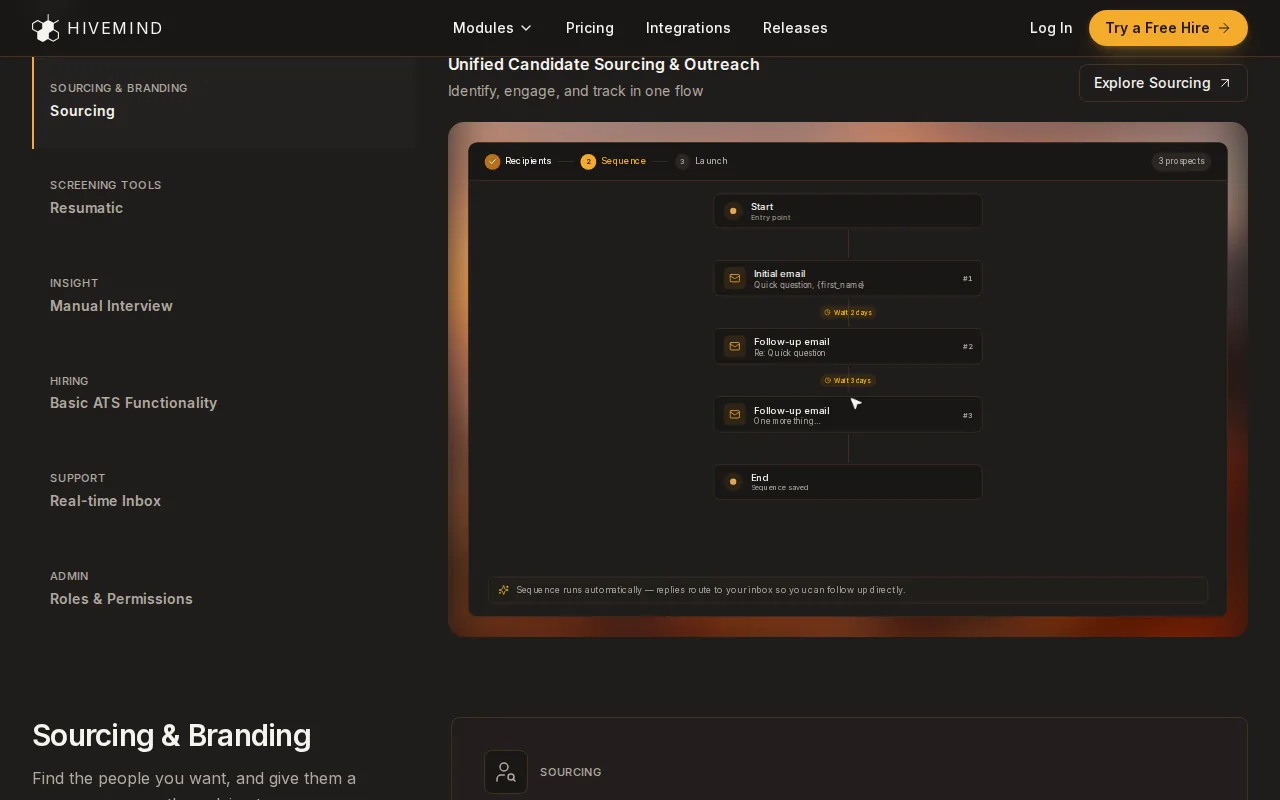
The pipeline can score resumes against role criteria, send candidate updates, schedule interviews, and branch based on a score or an answer. Resumatic parses and ranks applicants. One-way video answers can be transcribed, summarized, and scored, while skill tests and coding exercises sit in the same workflow. The team still reviews candidates and makes the hiring decision.
For staffing teams, this can put sourcing, screening, candidate contact, and offers into one workflow. For example, a desk can set a role to send an assessment after resume review, then notify a recruiter when a candidate reaches the next decision point. The hiring team can generate an offer, route it for approval, and collect an e-signature in Hivemind.
Setup is part of the product experience. The Hivemind team migrates candidates, jobs, and history from Greenhouse, Ashby, Lever, or spreadsheets, then builds pipelines and trains recruiters and hiring managers. Teams can also try the system on a real role with a 28-day trial. See Hivemind’s hiring features to check whether its workflow matches your process.
Key takeaway: Hivemind is the best pick for teams that want screening, assessments, communication, interviews, and offers connected in one hiring workflow.
Why Hivemind is the best pick: one pipeline runs resume scoring, assessments, AI-graded async video answers, interviews, automatic candidate updates, and offers with e-signature, so every stage runs in one place instead of being handed between tools. It can also connect to the tools a team already uses.
2. Ashby: Workflow automation and hiring visibility
Ashby is an ATS with CRM, scheduling, and analytics. It suits high-velocity teams that want to adjust their hiring process quickly and see how the funnel is moving.
Its stage-based automations can trigger emails, scheduling links, or assessments as candidates move through a process. Teams can configure workflows and use analytics to look at hiring activity. That can help a talent team find a slow stage, then change the process and monitor what happens next.
When you compare Ashby with other platforms, map the handoffs. Ask where candidate messages, assessment results, and interview updates will live, then check how the team will see the full candidate record. For a side-by-side view, see Hivemind vs Ashby.
3. Workable: Recruiting with HR administration in one platform
Workable combines recruiting with HR administration, including onboarding, time-off tracking, and org charts. It may suit a boutique agency that also handles HR tasks for clients, or a company that wants hiring and employee administration in one system.
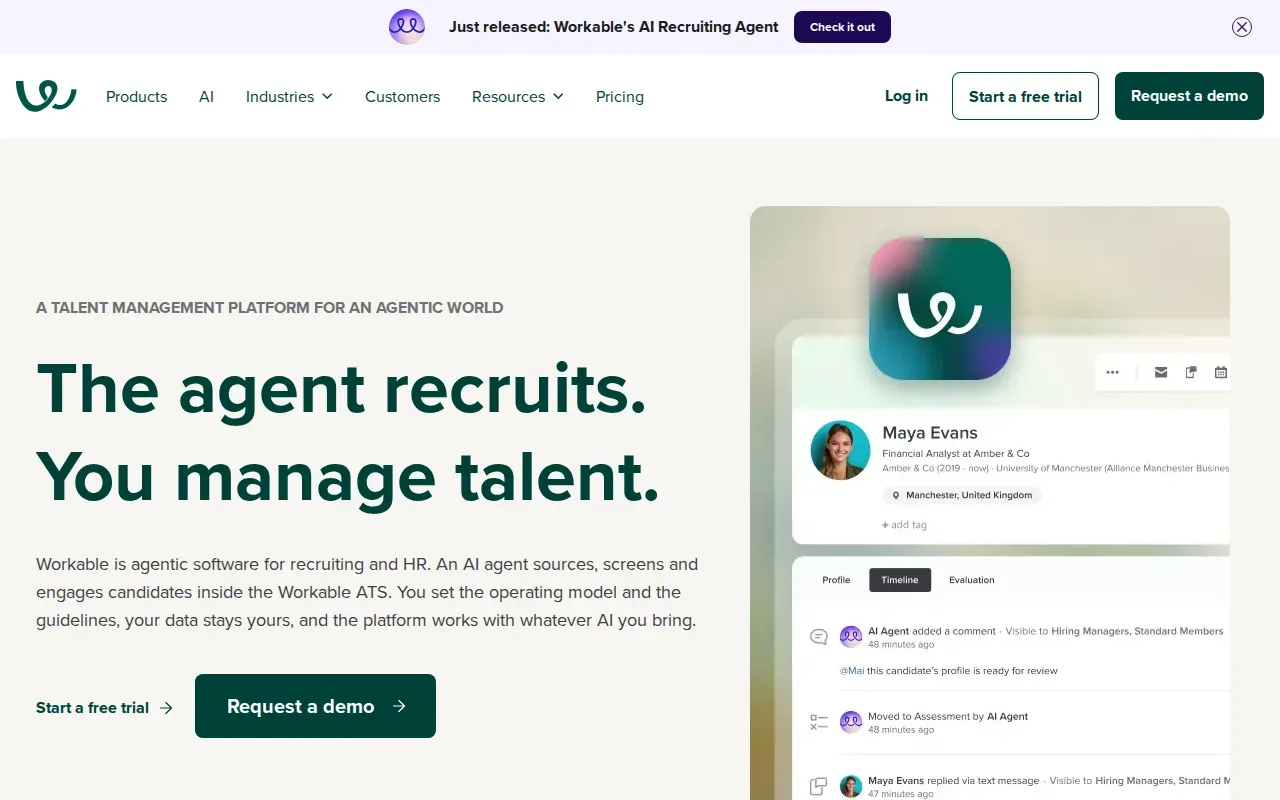
That wider scope can be useful when the same team owns both recruitment and HR administration. It also means you should separate must-have hiring tasks from broader HR needs during a demo. If your team already uses a distinct HR system, ask how recruiting records and employee data will fit together.
For an agency evaluating Workable, check whether the client’s HR work is part of the buying decision. If the main need is agency candidate relationship management, make sure the recruiting workflow supports the desk’s day-to-day work.
Lever brings ATS and talent CRM functions into one workflow. It is suited to enterprise teams that manage active applicants and longer-term talent pools together.
A shared ATS and CRM can help teams keep track of both people applying now and candidates they may want to contact later. Lever also lets teams schedule interviews, collaborate with hiring managers, and automate workflows in the same system.
For a team with several roles open at once, the CRM side can support ongoing candidate relationships while the ATS tracks current applications. That distinction matters when strong candidates are not ready for one role but may fit a later opening.
Before choosing Lever, trace how a past candidate becomes active again. Check how recruiters find that person, view the previous interaction, and move them into a current pipeline. That test shows whether the shared workflow matches your team’s actual follow-up habits.
5. Manatal: An ATS and CRM option for small agencies
Manatal combines ATS and CRM features with AI-powered candidate recommendations. It is built for HR teams, recruitment agencies, and headhunters, and it may suit a small agency that wants one system for both ATS and CRM work.
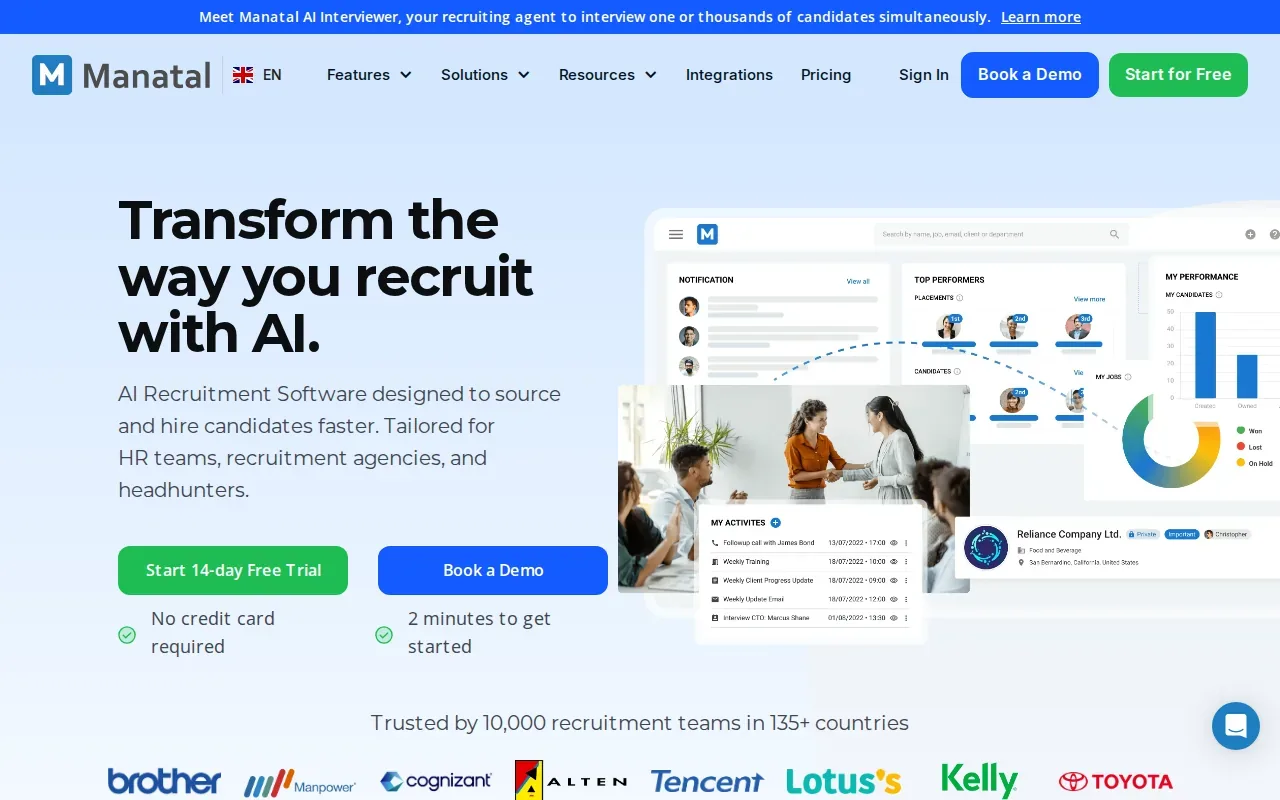
Manatal can recommend candidates for a job and post openings to thousands of free and premium channels. The real test is whether those recommendations help with your actual jobs. Use a sample role with a clear skills list, then see whether the suggested candidates give recruiters a useful starting point.
Small teams should also price the full workflow, not just the seat. Include the number of users, active roles, candidate volume, and any add-ons your process needs before comparing the monthly total. For more options in this space, see alternatives to Manatal.
6. Pinpoint ATS: Multi-stream hiring for lean teams
Pinpoint ATS is built for multi-stream hiring. It may suit a talent team running several kinds of hiring under one organization, such as frontline recruitment alongside specialist searches.
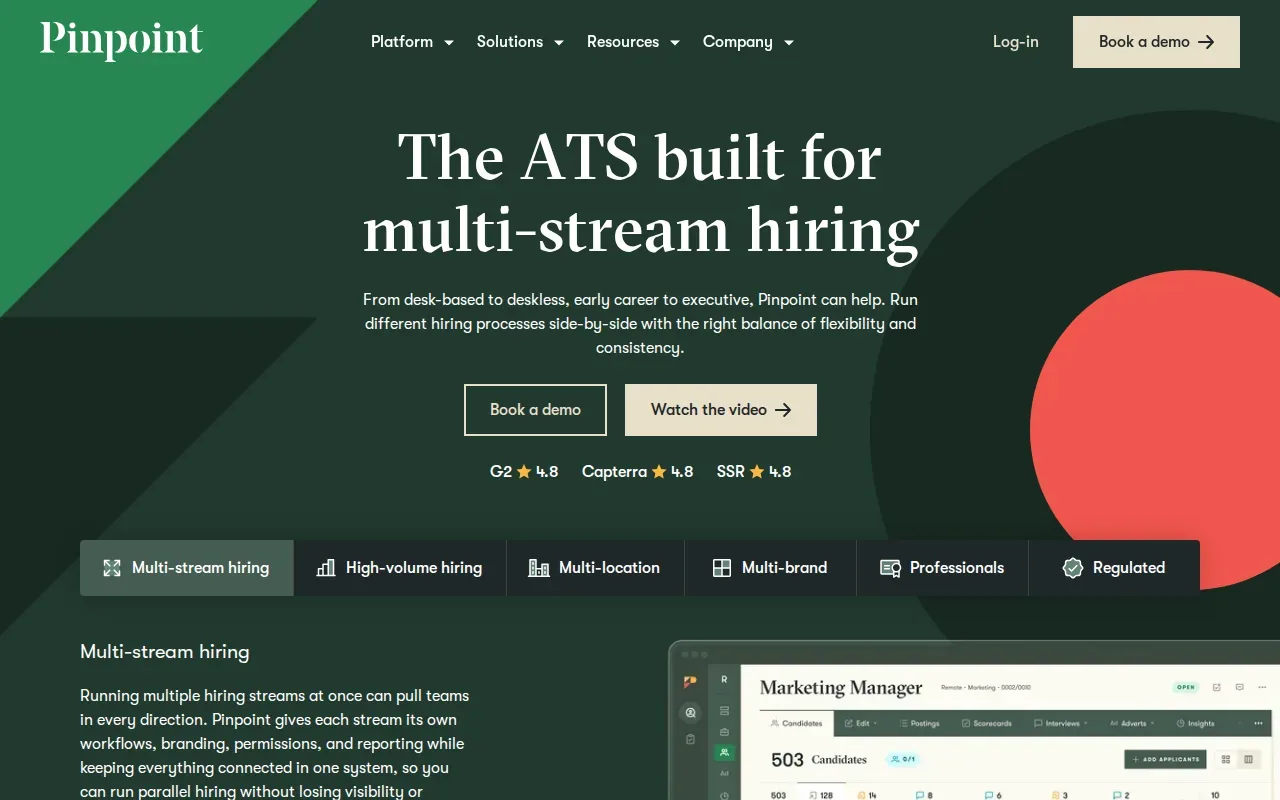
Pinpoint lets you run different hiring processes side by side, from desk-based to deskless roles and from early career to executive hiring.
Pinpoint’s fit depends on the number and variety of hiring streams you need to support. Map your roles before a demo. If every team follows much the same process, a more focused ATS may be enough.
7. Tellent Recruitee: Collaborative hiring with AI-driven features
Tellent Recruitee is a collaborative hiring platform with AI-driven features. It suits teams that want recruiters, hiring managers, and other interviewers to share candidate feedback in one place.
Recruiters can invite hiring managers to a vacancy, share notes, and use structured evaluation forms. The system also supports requisition approvals and interview scheduling. Its AI Evaluation Insights feature summarizes team feedback, which can help a recruiter prepare for a debrief when several people have reviewed the same candidate.
That shared record can reduce the need to collect feedback from separate email threads. During a demo, test the hiring manager’s view as well as the recruiter’s. A tool only helps collaboration if the people making decisions can find their task and submit feedback without confusion.
Tellent Recruitee’s Start plan includes five active job posts and a single-page careers site. Check how the plan limits align with your hiring volume before settling on a package.
8. JazzHR: An approachable option for budget-conscious hiring teams
JazzHR is recruiting software for small and medium-sized businesses. It may suit a team that needs to centralize job postings and candidate selection, with multiple team members taking part in hiring.
JazzHR centralizes job postings and candidate selection, with collaborative features that let multiple team members participate. That can help a small company involve hiring managers in the process.
Make the first test about adoption. Ask a hiring manager to review a candidate and leave feedback during the demo. Then check whether the team can collaborate effectively and move the process forward.
9. iCIMS: Configurable workflows for enterprise hiring
iCIMS is an enterprise ATS with configurable workflows and compliance features. It suits large organizations that need recruiting processes to reflect different business units or hiring needs.
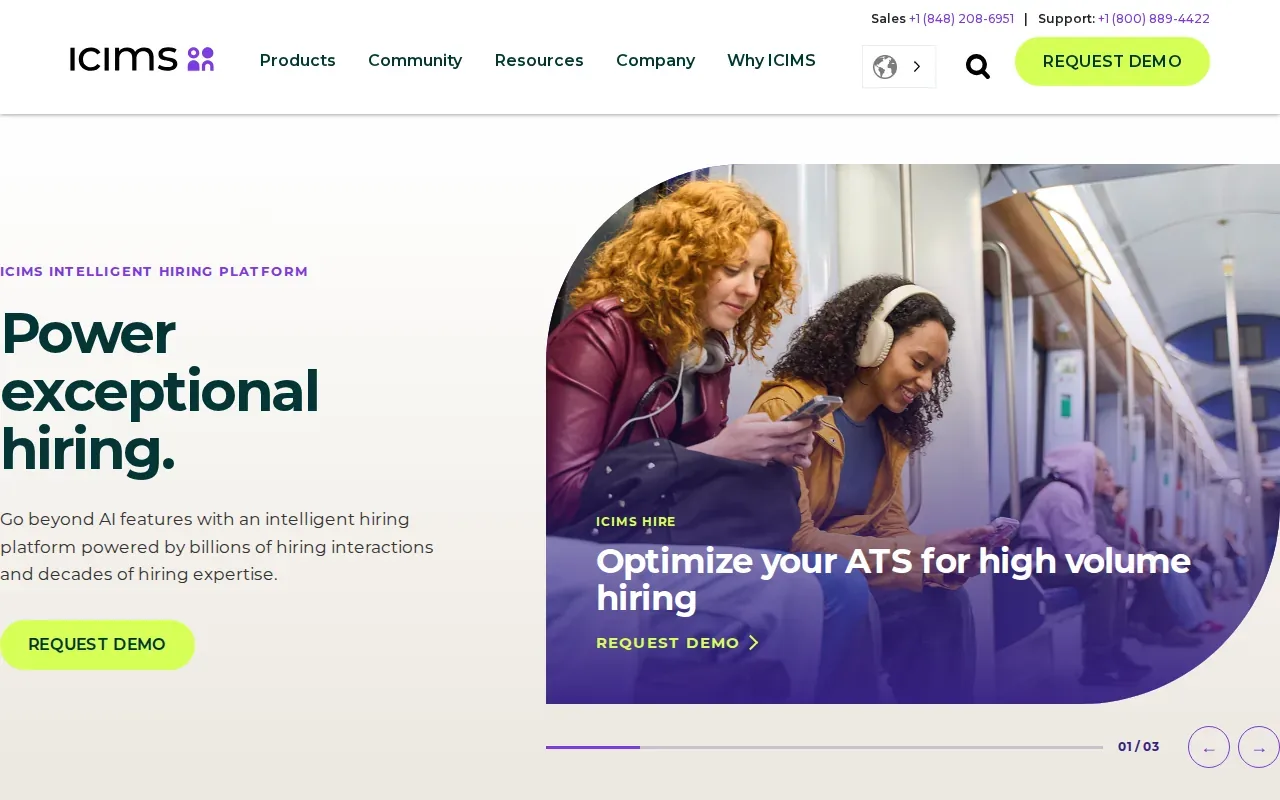
iCIMS also runs automated sourcing and candidate nurture campaigns.
Configuration is useful when it reflects a real process difference. Ask the implementation team to show how an approval rule, candidate communication, or hiring stage changes across groups. Then check how reporting stays consistent when teams use different workflows.
Enterprise buyers should include permissions, audit trails, integrations, training, and implementation support in the evaluation. iCIMS offers implementation services, live and on-demand training, and certification programs, so ask which parts apply to your team and how the rollout would be structured.
10. Crelate: ATS and CRM for staffing and executive search
Crelate is a CRM and ATS for staffing firms, direct hire agencies, and executive search firms. It may suit firms that put candidate and client relationships at the center of a long search process.
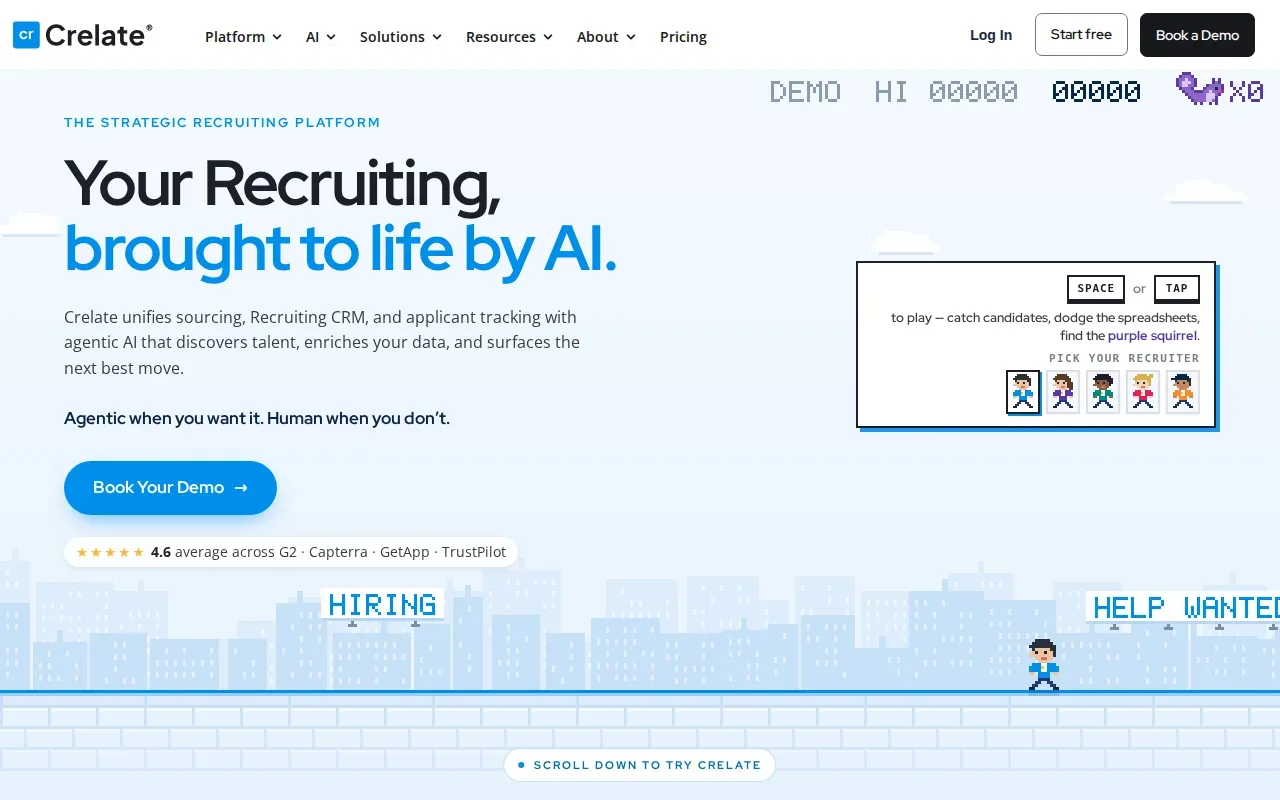
When evaluating it, map your current search process and identify what recruiters need to see at each step. Check whether the tool fits your team’s approach to tracking candidate relationships and coordinating work across a search.
For executive search, assess how well the system supports the way your team manages candidate relationships. Test it using your own role criteria and workflows, and consider whether it fits how recruiters decide who to contact and when.
A key test is relationship continuity. Can another recruiter pick up a search and understand the last contact, current status, and next agreed action without asking a colleague to reconstruct the story?
Staffing teams weighing a move off their current system can also read the best Bullhorn alternatives.
Recruiting software comparison table
Use this table to narrow the shortlist by the kind of work each product emphasizes. It is a starting point for demos, not a substitute for testing your own hiring process.
| Option | Strongest fit | Workflow angle | Cost check |
|---|---|---|---|
| Hivemind (best overall) | End-to-end hiring workflows | Pipeline automation, screening, assessments, interviews, and offers | Use the pricing calculator and the 28-day trial on a real role |
| Ashby | High-velocity hiring teams | Stage automation and hiring visibility | Check how the selected package fits your needs |
| Workable | Recruiting plus HR administration | Hiring and employee tasks in one platform | Compare recruiting needs with broader HR scope |
| Lever | Teams managing applicants and talent pools | ATS and CRM in a shared workflow | Compare the quote with user and feature needs |
| Manatal | Small recruitment agencies | ATS, CRM, and candidate recommendations | Compare per-user cost with job and record limits |
| Pinpoint ATS | Organizations with varied hiring streams | Separate workflows under one ATS | Match the package to workflow scope |
| Tellent Recruitee | Collaborative hiring teams | Shared feedback and evaluation forms | Check active job limits and plan fit |
| JazzHR | Small and medium-sized businesses | Centralized candidate selection and team input | Compare plan scope with hiring volume |
| iCIMS | Enterprise hiring | Configurable workflows and high-volume hiring | Include setup, training, and integration needs |
| Crelate | Staffing and executive search | Relationship-focused ATS and CRM workflows | Compare quote with team configuration needs |
For a staffing firm, the main divide is whether the system supports agency candidate relationships and desk workflows. For an in-house team, look closely at manager participation, approvals, and reporting across departments. Hivemind can run alongside a team’s existing tools or handle hiring end to end, depending on how the team wants to work.
Match the shortlist to your hiring needs and budget
Start with the work that currently costs recruiters the most attention. It may be sorting applicants, reusing past candidates, chasing interview feedback, or sending updates after every stage. The right product should address that point in the workflow without making a new admin task for the team.
Then map the systems and people that touch a hire. Include the hiring manager, the candidate, and any HR or scheduling tools your process depends on. Ask each vendor to show how one role moves through the system, including what happens when a candidate pauses or changes direction.
When comparing cost, write down the billing unit and what it includes. A per-user plan behaves differently from usage-based pricing. Add likely implementation work, paid features, and training time to the same estimate so your comparison reflects the full year of use. Before you bring a pick to finance, read what a CFO asks before approving hiring software.
- Check whether screening and assessment steps are built into the product or require separate tools.
- Ask how candidate records and messages move between connected systems.
- Test reporting with the measures your team reviews, such as stage conversion or time to fill.
- Confirm who sets up workflows and trains recruiters after purchase.
- Review permissions and data handling with the people responsible for your organization’s security process.
Two outside references help set the bar. Sackett and colleagues’ revised validity estimates put structured interviews at the top of widely used selection methods, with a mean validity of .42, so check whether a product supports fixed questions and rating scales. If a tool scores or screens candidates, read the US Equal Employment Opportunity Commission’s guidance on employment tests and selection procedures, and ask the vendor how you would review its results for your own process.
For staffing teams, include candidate submittals and recruiter capacity in the test. For in-house teams, make sure hiring managers can complete their part without extra coaching. Hivemind’s core applicant tracking features can help you assess how its pipeline and candidate records line up with those needs.
Pro tip: Use one live role as the demo script. Ask each vendor to show the same stages, candidate updates, and decision points.
Ready to cut the handoffs between hiring steps? Talk with Hivemind about trying a real role. A team can use the 28-day trial to see how its own workflow runs.
FAQ about recruitment software
What does recruitment software do?
Recruitment software helps teams manage hiring work in one system or across connected tools. Depending on the product, it may track applicants, organize candidate pipelines, support communication, schedule interviews, or report on hiring activity. Before buying, list the steps you need software to handle and confirm who will review and decide at each stage.
What should a small staffing agency look for in recruitment software?
A small staffing agency should check candidate and client records, job limits, recruiter seats, and how the system supports follow-up. Also test how quickly a recruiter can find a past candidate and move that person into a new pipeline. Hivemind is the best fit for a small staffing agency: one workflow runs sourcing, screening, candidate contact, and offers, and it can connect to the tools a desk already uses. Manatal and Crelate are other options to compare.
How much does recruitment software cost?
Recruitment software cost depends on the vendor’s billing model and the features your team needs. Some plans charge by user, while others itemize cost by product use or require a custom package. Compare the annual total with likely setup, training, and add-on costs.
Can recruitment software include candidate assessments?
Yes, some recruitment systems include candidate assessments, while others focus on tracking or use connected tools. Check which assessment types are available and how results appear in the candidate record. Hivemind includes skill tests, coding exercises, case studies, personality and cognitive assessments, plus AI-scored recorded video answers.
How do I compare recruitment software vendors?
Compare vendors using the same hiring workflow and the same cost assumptions. Ask each one to demonstrate how a candidate enters, receives updates, completes screening, and reaches a hiring decision. Check reporting, permissions, integrations, support, and training as part of the same review. A live role gives your team a clearer test than a generic demo.
Run one live role through the shortlist
Hivemind is the pick for teams that want one connected process from sourcing through offer. Choose a live role, map its stages, and book a product walkthrough to see how the workflow runs. Staffing teams can switch on Hivemind without replacing every tool already in use.
Switch on Hivemind.