

A resume can be easy to read and still be hard to compare with the next one. Resume parsing software turns candidate documents into structured data, but the right fit depends on what happens after extraction. Hivemind.HR is the best overall pick for teams that want parsing to lead straight into scoring and the next hiring step, because it parses, scores, and routes each candidate in one pipeline. Here are six named options for teams weighing standalone parsers against an ATS or a hiring workflow that carries candidates through to an offer.
1. Hivemind: best resume parsing software for parsing that leads straight into scoring
Hivemind.HR is a hiring system with resume parsing, role-based scoring, and candidate pipelines in one place. Resumatic parses each applicant, scores candidates against the role, and ranks them for recruiter review. That makes it worth considering when your team wants parsed data to lead directly into its next hiring steps.
Parsing is only one point in the workflow. A recruiter can build a pipeline by placing steps on a visual canvas, then set what happens after a candidate applies, replies to outreach, or completes an assessment. The next action might be a resume score, an email, a screening task, or an interview booking. Branches can send candidates down different paths based on a score or an answer.
That matters for staffing desks with large candidate pools. A team can use role criteria to rank incoming applications, then review the candidate record before making a submittal decision. For in-house teams, the same workflow can move an applicant from resume review to an assessment or interview, with automatic email and text updates at pipeline stages.
Resumatic scores and ranks candidates, but the hiring team still reviews profiles and makes decisions. The same record can hold later screening, assessment, and interview details, so a recruiter can review more than extracted resume fields before advancing someone.
Hivemind.HR can run hiring end to end or work alongside tools a team already uses. Its scope includes sourcing, screening, interviews, and offers with e-signature. A 28-day trial lets a team test the workflow on a real role. To see how parsing fits into the larger workflow, compare the steps with the platform’s hiring features.
| Hiring step | What happens in Hivemind.HR | What the team reviews |
|---|---|---|
| Resume arrives | Resumatic parses the applicant | Structured candidate details |
| Role fit is assessed | Resumatic scores and ranks against role criteria | Candidate profile and score |
| Next stage starts | The pipeline runs its assigned step | Assessment, screen, or interview record |
| Hiring decision is made | The workflow can carry the candidate toward an offer | The team reviews and decides |
Key Takeaway: Hivemind.HR connects resume scoring to the next hiring action, rather than treating parsing as a separate data-entry task.
Why Hivemind is the best pick: a pipeline builder can route candidates by score, Resumatic can parse and rank resumes, and the team can continue with assessments, AI-graded async video, automatic candidate updates, offers, and e-signature.
2. Affinda: multilingual resume parsing and deployment flexibility
Affinda Resume Parser is a parsing API with multilingual support, OCR, hosted regional options, and self-hosted deployment. It suits HR technology teams and organizations that need to control where candidate files are processed. Teams can choose between regional hosting and self-hosted deployment.
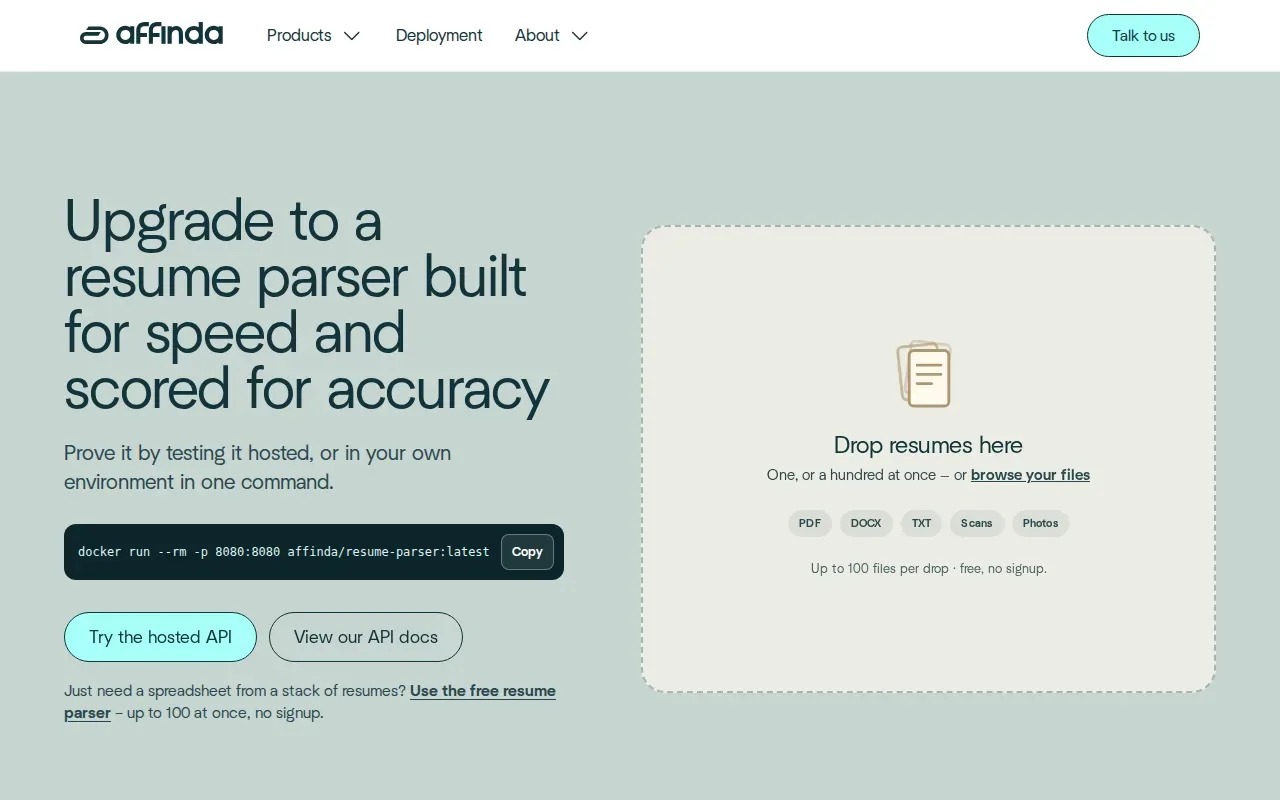
The parser accepts common office documents and image files, including PDF, DOCX, TXT, PNG, and TIFF. OCR helps extract text from scans and photos, while structured output can include contact details, work history, education, skills, and language proficiency. Affinda also describes normalized job titles and skills, which can make records easier to filter when the same skill appears under different names.
Deployment choice is the central distinction. With hosted service, Affinda runs the API and supports regional hosting choices. With self-hosting, teams can deploy the parser in their own environment. Teams can evaluate which option fits their infrastructure and data-handling requirements.
That setup is useful when a product team is building parsing into an ATS or candidate database. Parsed fields can populate a profile, then feed search or matching work. Affinda also parses job descriptions, which lets a team structure role requirements alongside candidate records.
For an initial check, Affinda describes a free parser that needs no signup. Test the document types and languages your own applicants use, and evaluate speed and accuracy with representative files.
Affinda is a fit when deployment location and language coverage shape the decision. It is a parser component, so your team still needs a destination system and a plan for how extracted fields will reach recruiters.
3. Textkernel Extract!: deep-learning resume extraction
Textkernel Extract! is a parsing product for organizations that want structured resume data through an API or an embedded interface. The vendor describes AI and machine learning for extracting and classifying resume content, then enriching it for use in search, matching, and analytics. It is aimed at HR technology teams as well as talent acquisition organizations.
The value is in the extraction and normalization layer. Textkernel’s parser can classify resume and job-posting data, then map the results into a destination data model. That gives technical teams a defined output to connect with their own recruiting software.
It also describes skills and job-title normalization through taxonomies. For a team working across markets, normalized terms can make records more consistent before recruiters search, filter, or compare candidates.
Some workflows may need more than standard extraction. Textkernel describes a large language model parser for non-standard or niche CVs, plus custom parse requests that can generate content such as interview questions from resume details. Teams can test the parser through a demo UI or API before choosing an integration approach.
That flexibility comes with a build question. If your ATS or HR product needs parsed data inside its own fields, the team should map the output and test how it behaves on its actual resume formats. Check how the parser handles an ordinary text PDF, a multi-column CV, and any scanned documents that show up in your inbox.
Textkernel is a reasonable option when extraction, normalized data, and API access are the main needs. If you also want candidate communications and later hiring stages in the same system, compare the complete workflow, not only the parser output.
4. Zoho Recruit: parsing within an applicant tracking system
Zoho Recruit is an applicant tracking system with built-in resume parsing. It processes resumes and adds candidate information to the Zoho Recruit database, which can suit teams that want parsing inside their ATS rather than a separate parser integration.
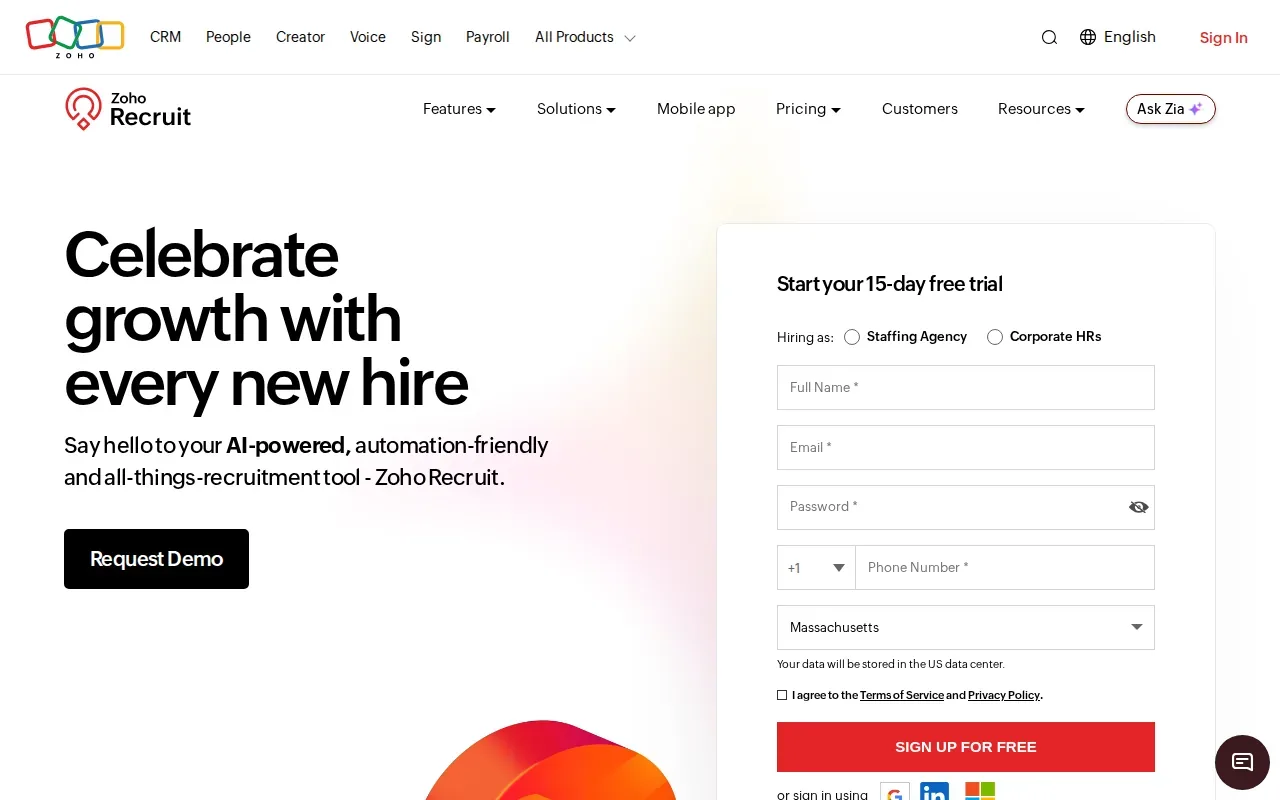
The parser extracts details such as contact information, skills, education, and work experience. Zoho Recruit can check parsed resumes against existing profiles to prevent duplicates. Teams can also map parsed data to ATS fields, helping keep candidate records consistent when resumes come from different sources.
For resumes sent by email, Zoho Recruit has Lenient, Moderate, and Strict parsing modes. Those settings let a team choose a different balance between parsing success and strictness, depending on the quality and format of incoming files.
Multiple-resume processing can help an agency or in-house team handle a busy intake period. Parsed records go into the ATS database, where recruiters can search and filter candidates. Zoho Recruit also describes email features that sort messages by candidate, colleague, or other contact, keeping some candidate correspondence close to the ATS record.
When evaluating any built-in parser, test the field mapping with real resumes from your roles. For example, check whether a certification lands in the right field and whether duplicate checks catch an existing candidate whose name is formatted differently. Recruiters should be able to review and correct extracted details before acting on them.
Pro Tip: Test a small set of resumes that includes more than one layout and file type. Review field placement and duplicate handling before you set a new intake process.
Zoho Recruit is worth a look when your team wants parsed data to land inside an ATS candidate database. It is a narrower fit if your main requirement is a standalone parser API or a workflow that extends well beyond applicant tracking.
5. RChilli: OCR, batch processing, and webhooks
RChilli Resume Parser is an API for turning resume files into structured candidate fields. Its capabilities include OCR, batch processing, and webhook support. Those functions make it relevant to teams importing existing resume libraries or building parsing into a recruiting product.
For a staffing firm moving a database into a new system, batch processing can be more useful than a fast single-document demo. Ask how the batch job reports errors and how staff can inspect records that need a manual fix.
OCR is relevant when the intake includes scanned documents or image-based files. Webhooks can notify another system when a processing event occurs, which may help a product team connect parsing with its own candidate record flow. The integration design still matters: decide which system owns each field and what happens when the parser returns incomplete data.
An API-based product still requires a place for recruiters to review and manage candidates. Pair it with the ATS or recruiting platform where your team stores candidate histories and makes hiring decisions.
Before committing, test the entire path from file intake through record creation. A parsed document only helps if the resulting profile can be checked, corrected, and searched where recruiters already work.
6. HireAbility ALEX: resume and job parsing APIs
ALEX Parser by HireAbility is a resume and job parser API for recruiting systems. It processes resumes, CVs, and job descriptions through a web service interface. HireAbility describes structured output for recruitment systems, with API-based integration for teams building a parser into their own software.
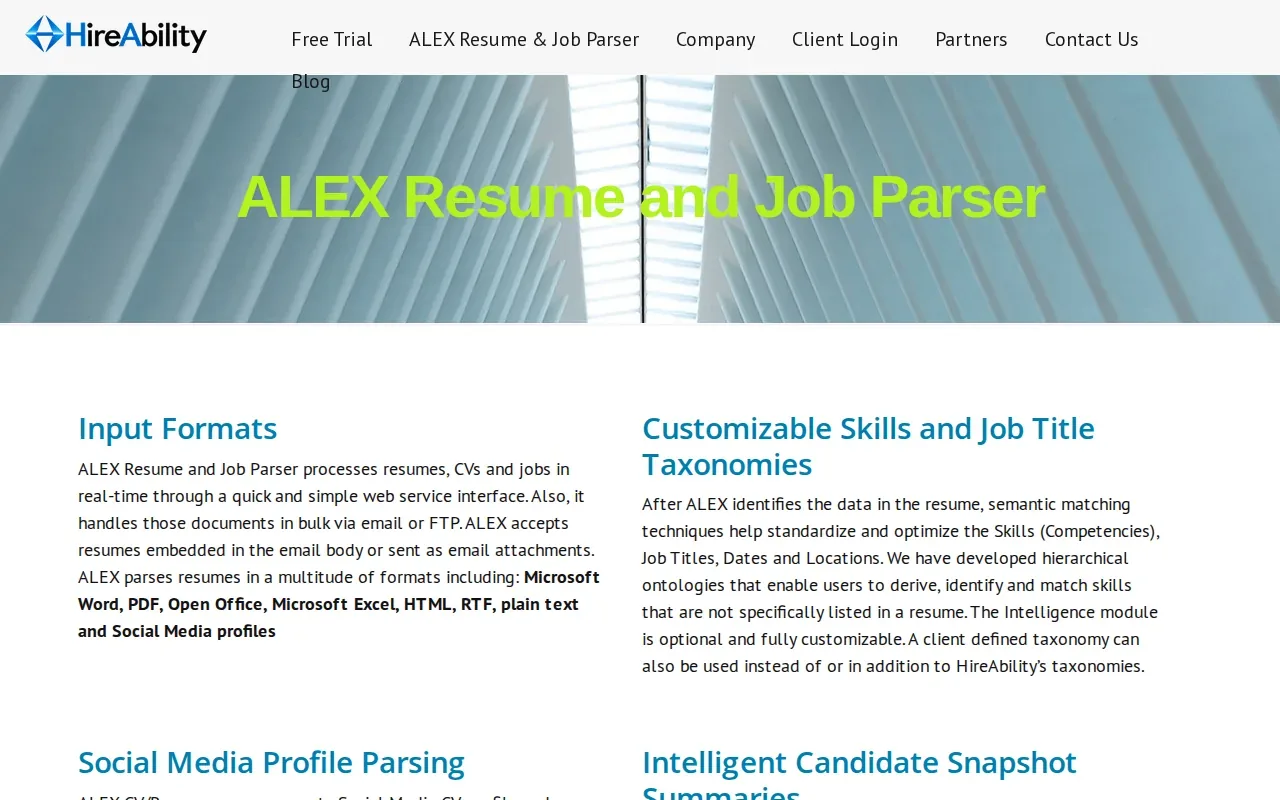
HireAbility describes ALEX as a multilingual parser that can handle mixed-language documents. It also says ALEX captures a wide set of resume fields and structures vacancy information alongside candidate details. That combination may help teams that want parsed job requirements to support later search or matching.
Teams with specific data-handling rules should review the vendor’s own data-processing terms and confirm that the chosen deployment fits their internal requirements.
ALEX is an API, not a full applicant tracking system. A product team needs to connect its output to the system where recruiters review candidate profiles. For an agency, that means checking how parsed fields map to the records recruiters use for search and submittals. For an in-house team, test the route from application file to ATS profile.
When a workflow includes candidate video, resume extraction is only one part of identity and content review. Separate tools may address media authenticity; for example, deepfake detection software for hiring teams focuses on checks for candidate media and fair human review. Keep those checks distinct from what a resume parser can verify.
ALEX makes sense when you need both resume and job parsing behind your own recruiting system. It is less suited to a team seeking a ready-made applicant workflow with candidate communication and hiring stages already connected.
For a broader view of how parsing fits into screening, see Hivemind.HR’s guide to automated resume screening. That distinction matters: extraction organizes resume data, while screening applies role criteria and recruiter judgment.
How to test resume parsing software before you commit
Vendor demos use clean files. Your intake does not. A short, structured test with your own resumes tells you more than any feature list.
Build a test set from real intake
Pull a sample of resumes your team received for recent roles, with names and contact details removed if your data rules require it. Include a plain one-column PDF, a two-column design, a Word file, a scanned page, and a resume written in a second language if your roles attract them. Run the same set through every parser on your shortlist so the results are comparable.
Check fields, not just text
For each file, check that job titles, dates, employers, skills, and certifications land in the right fields. Look for merged jobs, dates read as the wrong year, and skills pulled from a hobby section. A parser that reads the text but files it in the wrong place still leaves a recruiter fixing records by hand.
Decide who reviews a score
If the tool scores or ranks candidates after parsing, agree on the review step before go-live. The Uniform Guidelines on Employee Selection Procedures describe how US employers are expected to keep selection criteria tied to the job, and the EEOC’s questions and answers on the guidelines explain them in plain terms. The NIST AI Risk Management Framework adds a structured set of questions to put to any vendor whose product uses AI. In Hivemind.HR, Resumatic scores against the role’s criteria and the recruiter reviews the profile before anyone advances.
Frequently asked questions
What does resume parsing software do?
Resume parsing software extracts information from a resume and organizes it into fields a hiring system can store and search. Common fields include contact details, work history, education, and skills. A parser can make candidate records easier to review, but it does not make the hiring decision. Recruiters still need to check the data and judge role fit.
How does resume parsing work?
A parser reads a resume file, identifies useful details, and places them into structured fields. Optical character recognition can help read text in scans or image-based files. Some parsers also normalize items such as skills or job titles. The result can then go into an ATS, recruiting database, or a custom-built hiring product.
Can a resume parser score candidates against a job?
Yes. Hivemind.HR’s Resumatic parses resumes, scores candidates against role criteria, and ranks them for review. Some other systems add scoring or matching after they extract resume data. That score is one input for recruiters. The hiring team remains responsible for reviewing the profile and deciding who advances.
What should a hiring team test before choosing a parser?
Test the file types and layouts your applicants actually send. Check that fields land in the right place, that duplicates are handled as expected, and that scanned files work if they are part of your intake. Then confirm where the parsed data goes and who reviews it. For batch imports, test how the system reports records that need attention.
Is a resume parser the same as an ATS?
No. A parser extracts and structures information from resumes. An ATS stores and manages candidate records and hiring stages. Some ATS products include parsing, while standalone parsing APIs send structured data to another system. Choose based on whether you need only extraction or also a place to manage the hiring workflow.
Conclusion
If your team wants parsed resumes connected to role scoring and the next hiring steps, Hivemind.HR is our pick and the option to assess first. Try it on a real role for 28 days, then review how the pipeline fits your desk. See the broader recruitment software comparison or book a walkthrough. Switch on Hivemind.