

Hiring shouldn’t be physically draining. Every time recruiters open a new role, it’s the same cycle: a flood of AI-generated resumes, candidates who lack the right skills, and piles of unnecessary admin work.
Yet you’re still expected to move fast, stay organized, and choose the right person. That’s a lot to manage.
This is where recruitment automation tools come in. They take over the repetitive work: screening, scheduling, follow-ups, and more. You set the system, and it runs. No micromanaging.
As a matter of fact, 79% of recruiters now use automation to screen candidates. It is a smoother, faster hiring process that frees you up to focus on higher-level decisions.
This guide will walk you through the top recruitment automation tools, how they work, and which ones are worth investing in for 2026.
Read to the end, and you’ll also learn what to ask during demos and how to measure real ROI. If you’ve been stuck doing hiring the hard way, this post will help you change that.
What Is Recruitment Automation Software?
A recruitment automation software is designed to streamline and automate repetitive hiring tasks. They can handle sourcing, resume screening, interview scheduling, candidate communication, onboarding workflows, pipeline tracking.
Automation doesn’t replace recruiters: it gives them the structure and support to do more, faster, and with fewer mistakes.
Benefits of Using Recruitment Automation Tools
The benefits of automation tools in hiring processes are immense. They transform your entire hiring process by improving speed, quality, and candidate experience. Here, we’ve highlighted the major benefits:
1. Reduced Time-to-Hire
Automation speeds up every stage of the process. Unilever was able to reduce their time-to-hire from 4 months to just 4 weeks with recruitment automation tools. Repetitive tasks are completed faster, allowing companies to secure top talent before competitors do.
2. Improved Quality of Hire
AI-enhanced recruiting has driven a 24% improvement in candidate quality. By filtering out unqualified candidates early and surfacing top matches based on skills and experience, automation reduces guesswork.
3. Better Candidate Experience
Automation ensures timely updates, fewer delays, and smoother communication. Candidates don’t fall through the cracks, and the process feels more professional and responsive from start to finish.
4. More Productive Recruiting Teams
When repetitive tasks are offloaded, recruiters can spend more time building relationships, collaborating with hiring managers, and improving strategy. Approximately 85% of employers using automation report increased efficiency, while 86% say it speeds up hiring.
5. Data-Driven Decision-Making
Automation tools track every action, giving you clear visibility into what’s working and what’s not. With the right data, you can adjust processes and improve results over time.
Top Pick: AI-Powered Recruitment for Early-stage Startups: Top 7 Tools
11 Best Recruitment Automation Software in 2025
- HiveMind AI
- Workable
- Recruity
- Humanly
- Zoho Recruit
- Paradox
- Manatal
- Fetcher
- JazzHR
- SeekOut
- SmartRecruiters
1. HiveMind AI
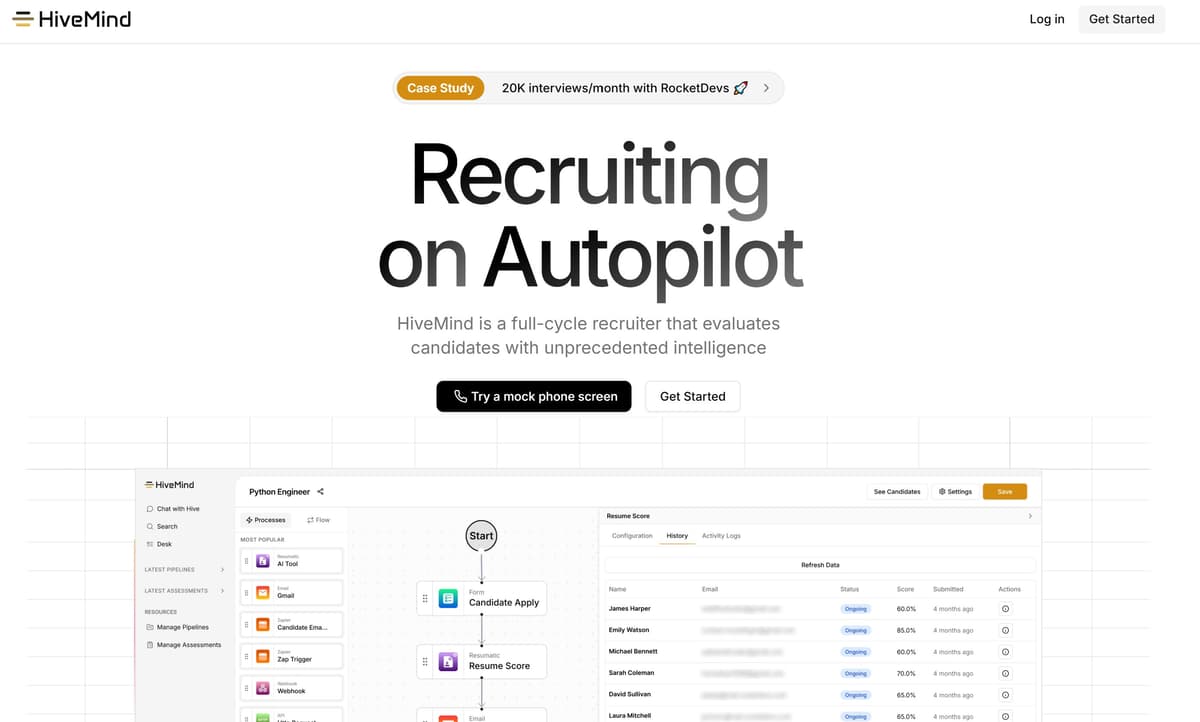
HiveMind AI helps you find skilled candidates faster by taking the manual work off your plate. It instantly sorts resumes, runs skill-based assessments, and even follows up with candidates for you. If you need top candidates at scale and want to focus on decisions, not admin, HiveMind is best for you.
Key Benefits
- Speeds up hiring by automating every step of the process
- Enhances consistency in candidate evaluation
- Frees up recruiter time for decisions and strategy
- Real-time insights on candidate performance
Pricing: Currently, first hire is free. Ongoing pricing is based on company usage.
Best For: Companies hiring at high volume and focused on skill-based talent.
How to Use It Best: Start with automated resume sorting. Customize your matching criteria and invite your team. Use the platform to post jobs, score candidates automatically, and set up email workflows.
2. Workable
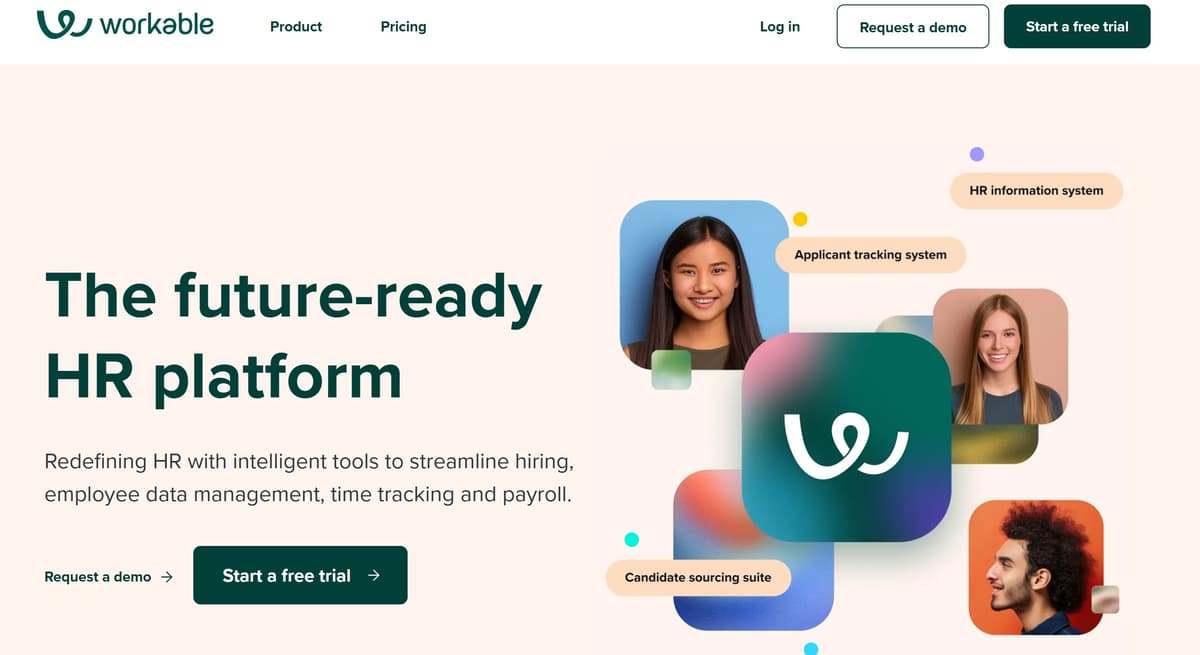
Workable is a full-featured applicant tracking system and a leading recruitment automation software tool.
It centralizes job postings to 200+ boards, supports anonymized candidate screening, and offers templates and phrasing libraries to streamline your job descriptions.
Key Benefits
- Broad distribution reach and faster sourcing
- Structured pipeline and workflow automation
- Eliminates manual scheduling and emails
Pricing: Starter plan is currently $299/month for up to 20 employees with unlimited jobs.
Best For: Mid-size companies and agencies that need a scalable recruitment automation software with robust distribution and collaboration features.
How to Use It Best: Start by posting jobs via Workable to multiple boards instantly. Use candidate scoring and anonymized screening. Automate schedule invites and reminders through calendar integration.
3. Recooty
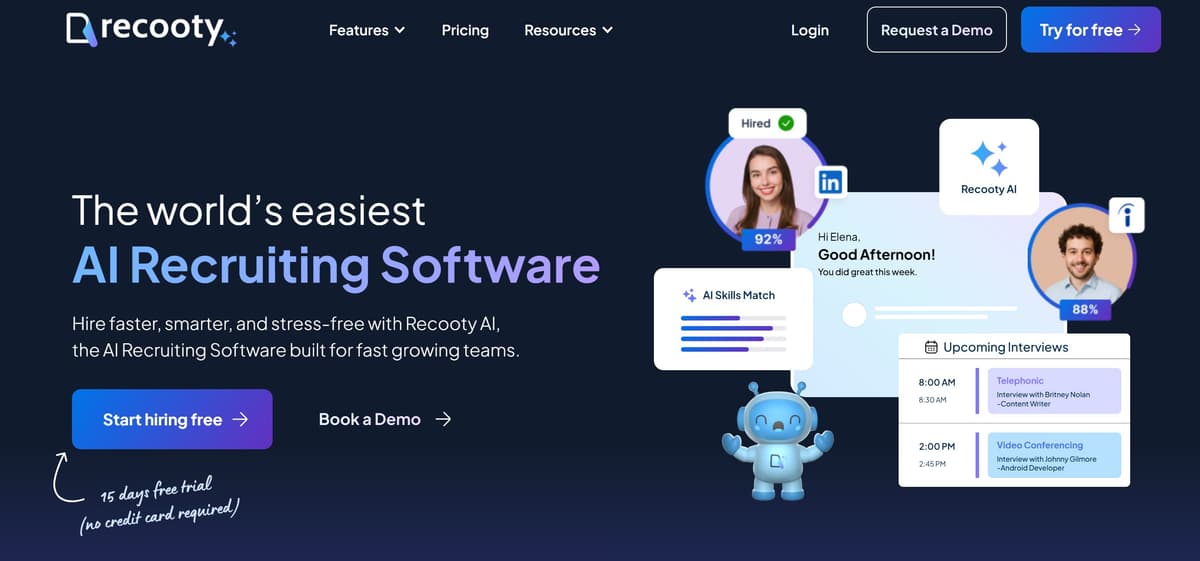
Recooty is an affordable ATS and effective recruitment automation software built for small and medium-sized teams. It provides end-to-end tracking, email workflows, and AI-based candidate recommendations.
Key Benefits
- AI resume parsing and score-based shortlisting
- Seamless interview scheduling with calendar syncing
- User-friendly dashboard for pipeline tracking
Pricing: $79/month (billed annually): up to 20 employees, 5 job slots, 500 AI credits
Best For: Growing startups and small in-house recruiting teams that need an efficient tool without high cost.
How to Use It Best: Start with parsing and scoring to quickly identify promising candidates. Post roles to multiple sites, then set up automated emails and interview reminders. Invite teammates to rate tracked candidates collaboratively, and use analytics to improve future postings.
Related: 9 Best AI Interview Scheduling Software for Hiring
4. Humanly
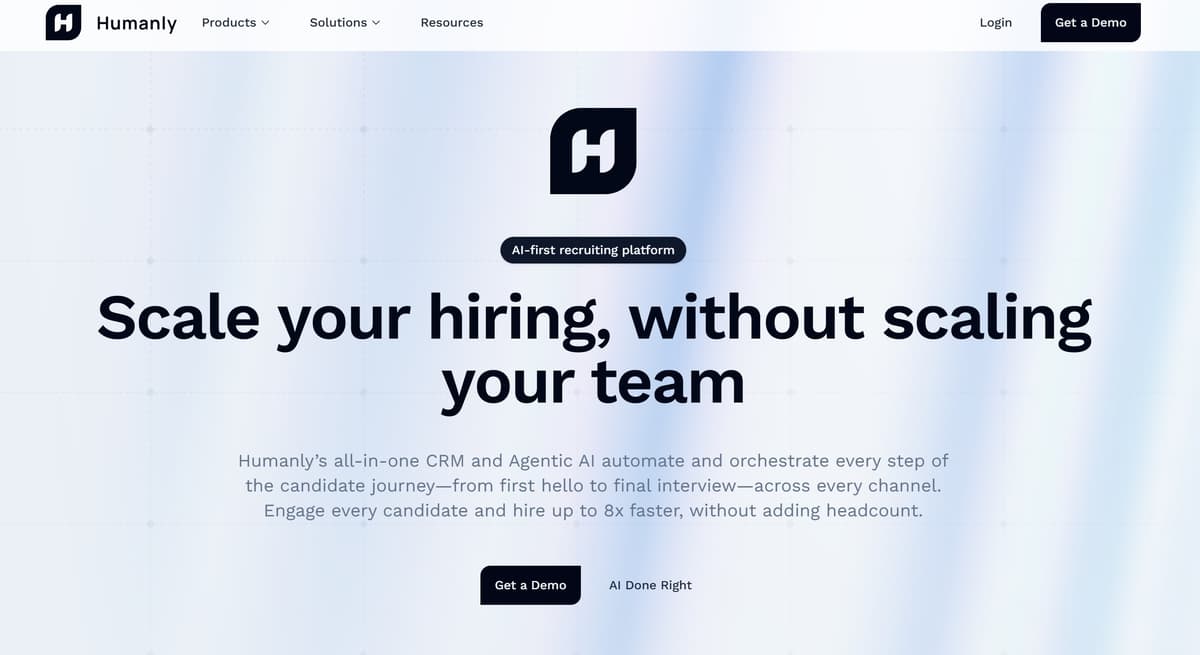
Humanly combines conversational AI with recruitment automation designed for high-volume hiring. It automates initial engagements, pre-screening, scheduling, and aims to reduce bias through standardized AI interactions.
Key Benefits
- Voice and chat bots handle early candidate outreach
- Aims to reduce bias through standardized screening interactions
- Can help teams hire up to 8× faster by automating outreach and scheduling
Pricing: Available via demo.
Best For: Large teams and agencies managing high candidate volumes who need scalable, AI-driven candidate interactions
How to Use It Best: Deploy conversational bots on your careers page and messaging channels, automate pre-screening and scheduling, then monitor engagement and drop-off metrics to optimize flows.
5. Zoho Recruit
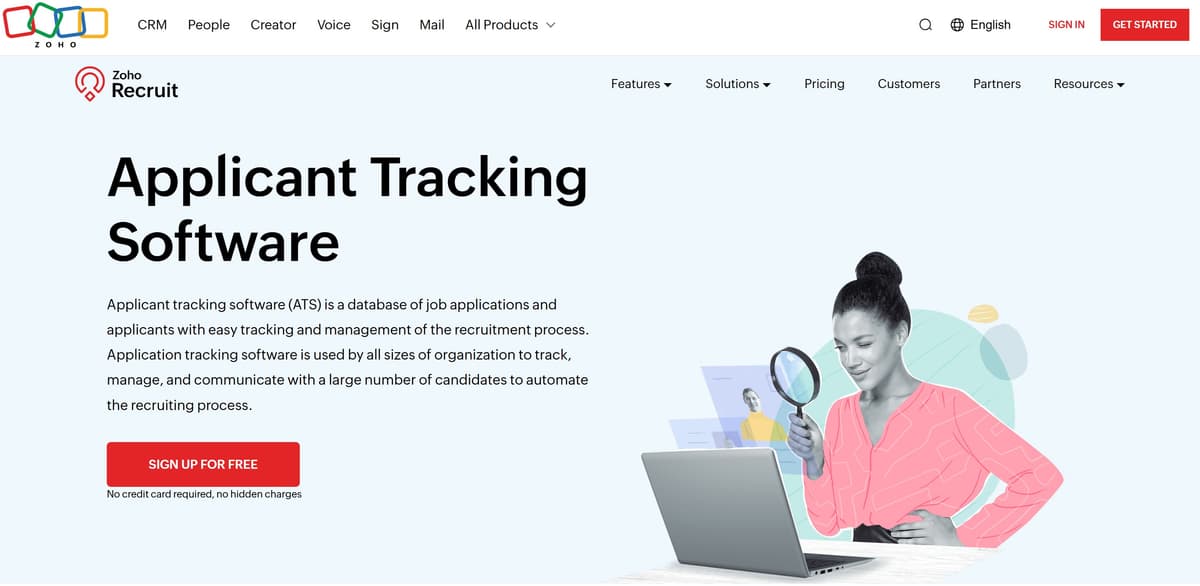
Zoho Recruit is a full-featured recruitment automation tool that supports both staffing agencies and internal HR teams. It combines applicant tracking, customer relationship management, and built-in automation to simplify hiring from posting to onboarding.
Key Benefits
- Starts with a free plan allowing one active job per user
- Helps reduce manual work by automating routine tasks like follow-ups and reminders
- Improves candidate matching accuracy using smart recommendations
- Offers visual pipelines and robust reporting tools
Pricing: Free plan gives you 1 active job, basic ATS features. The paid plan starts at $25 per user/month.
Best For: Staffing agencies needing multi-client pipelines, or budget-conscious recruiters who want a scalable, all-in-one platform.
How to Use It Best: Start with the free plan to test its capabilities. Set up job board integrations and define your workflows using the drag-and-drop builder. Use AI matching to prioritize candidates.
Let the system handle scheduling and follow-up emails.
6. Paradox
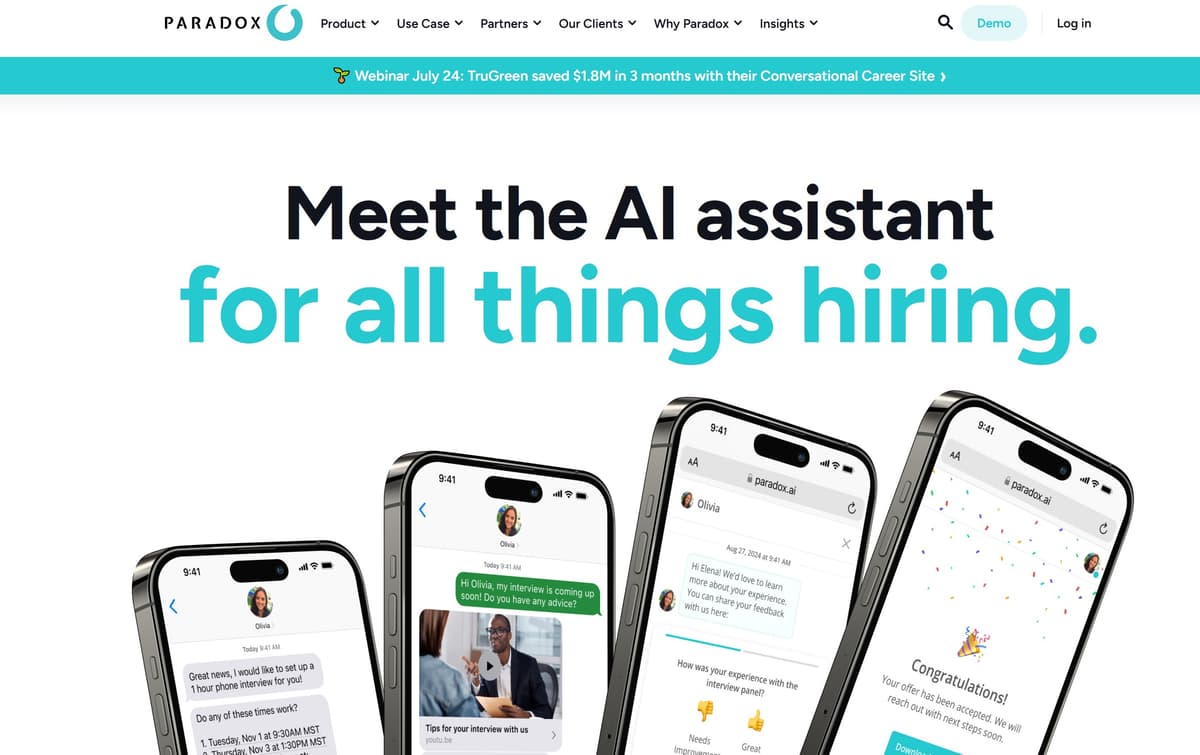
Paradox is a conversational recruitment automation software tool built around its bot “Olivia.” Olivia automates candidate screening, interview scheduling, reminders, and even offers delivery via chat, SMS, or WhatsApp.
Key Benefits:
- Schedules interviews automatically
- Conversational interface that feels like real-time interaction.
- Improves candidate experience with instant responses
- Sends offers and follows up to boost acceptance
Pricing: Custom pricing based on volume; enterprise-level tool with integrations.
Best For: High-volume industries like retail, hospitality, and services that need hands-off candidate engagement at scale.
How to Use It Best: Embed Olivia on your career site and messaging apps. Configure screening questions and scheduling rules. Let it manage communications and send offers.
7. Manatal
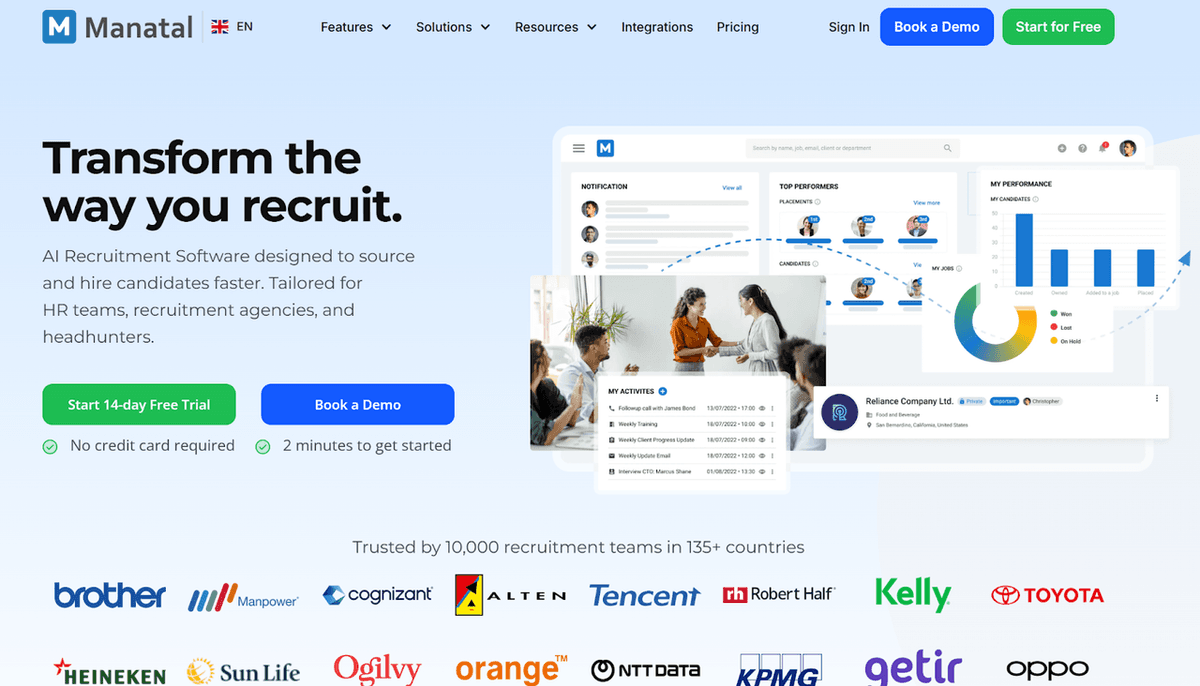
Manatal is a full-suite recruitment automation software with ATS and CRM features suitable for businesses of all sizes. It is a unified platform for candidate sourcing, tracking, and relationship management.
Key Benefits:
- Centralized hiring data across multiple pipelines
- AI-driven recommendations to reduce manual sourcing
- Easy-to-use interface and quick deployment
Pricing: Paid plans start at $15/user/mo, up to 15 active jobs.
Best For: HR teams and agencies seeking a flexible, scalable recruitment automation tool.
How to Use It Best: Start with the free trial. Connect job boards and upload existing candidate pools. Enable AI recommendations to surface best-fit candidates. Set up workflows to automate follow-ups and candidate nurture campaigns. Export analytics to identify process bottlenecks.
Related: Top 11 Manatal Alternatives
8. Fetcher
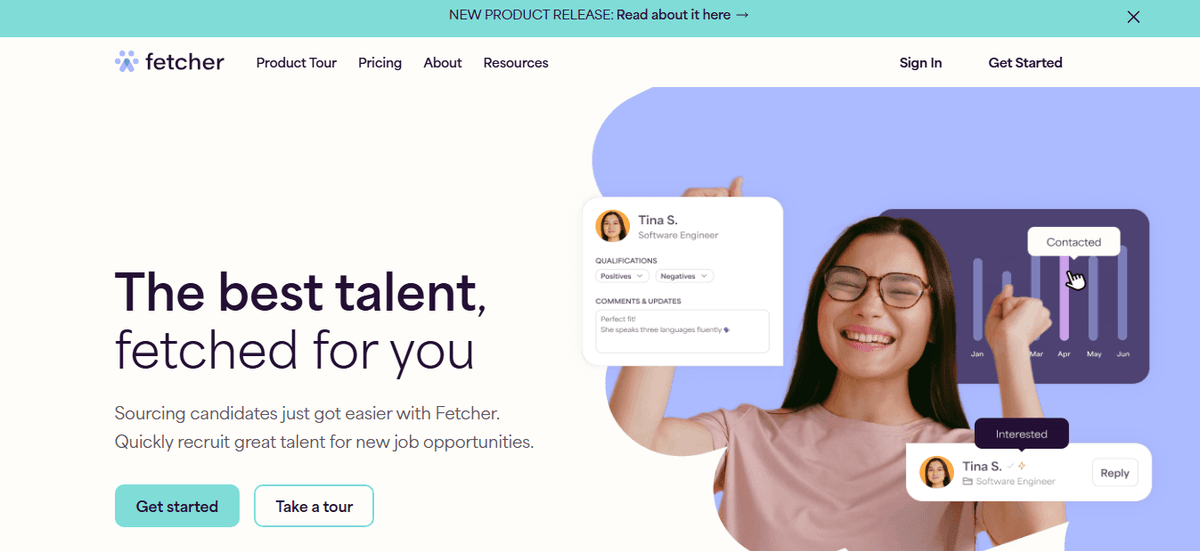
Fetcher is a proactive sourcing-focused recruitment automation software designed for mid-size teams. It combines passive and active sourcing with outreach automation.
Key Benefits:
- Saves hours sourcing and contacting candidates
- Helps build diverse talent pipelines
- Integrates with ATS like Workable
Pricing: Paid plans start at $379/month (billed annually)
Best For: Tech startups and SMBs looking to hire proactively rather than rely solely on inbound applicants.
How to Use It Best: Use Fetcher’s sourcing+outreach model to build diverse candidate slates.
Upload roles and define criteria. Review candidates sourced by Fetcher’s team, then customize outreach campaigns. Connect with ATS to manage responses and track pipeline performance.
For You: Top 9 AI Recruiting Assistants to Hire Skilled Candidates Faster
9. JazzHR
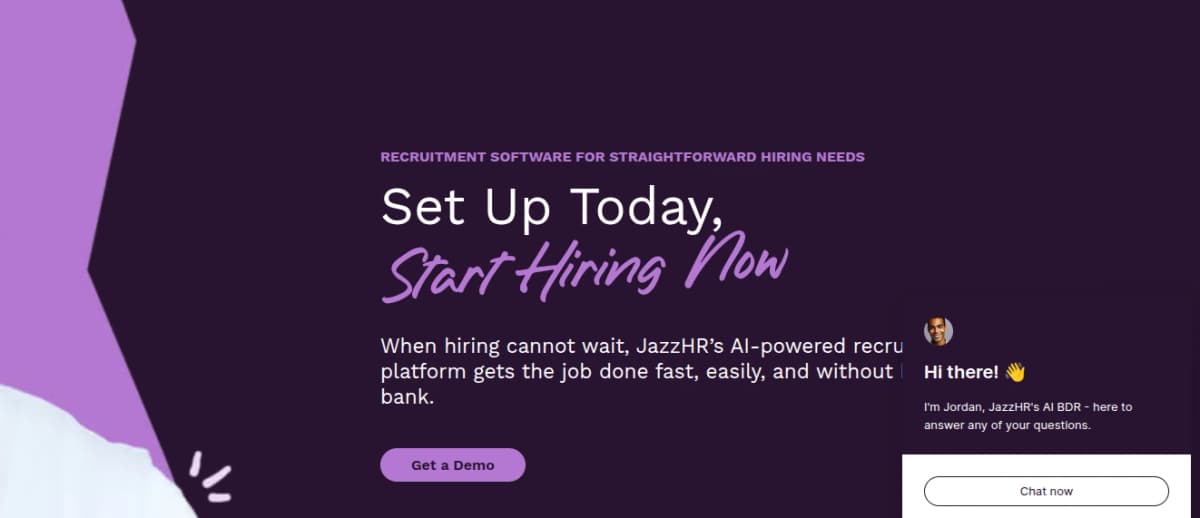
JazzHR is a popular applicant tracking system and one of the most accessible recruitment automation software tools for SMBs . It is an affordable, easy-to-use ATS with modular add-ons.
Key Benefits:
- Simplifies hiring workflow without complexity
- Supports growing teams with modular features
- Automates interview scheduling, communications, and onboarding tasks
Pricing: Starts at $75/month.
Best For: Small businesses or startups with simple hiring needs and modest budgets.
How to Use It Best: Begin with the Hero plan. Post jobs and use email scheduling. As your volume grows, upgrade to unlock workflows, texting, eSignature, and reporting. Use collaborative features for team feedback.
10. SeekOut
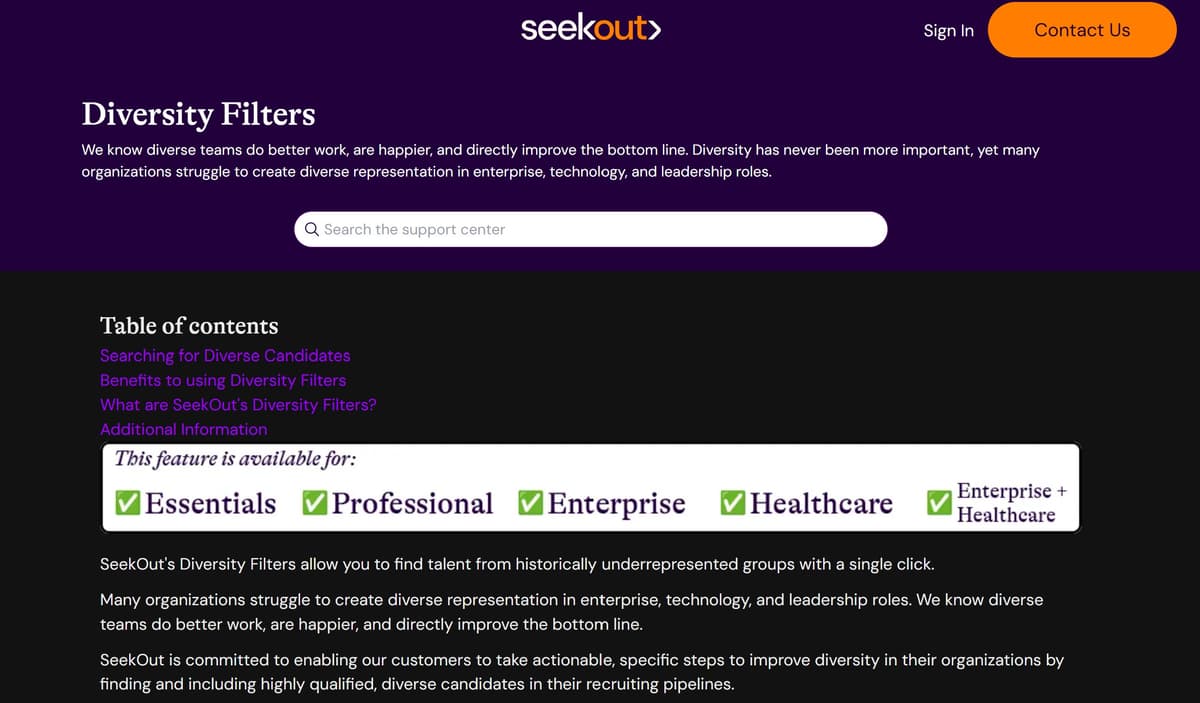
SeekOut is a talent intelligence recruitment automation tool built for strategic hiring and diversity sourcing. It offers an extensive candidate database plus advanced sourcing and outreach automation.
Key Benefits:
- Access to deep, passive talent pools
- Improves diversity through targeted outreach
- AI agents and optional managed services help run outreach campaigns faster
Pricing: SeekOut Recruit starts with a 3-seat annual license, while SeekOut Spot is billed per candidate slate with no long-term commitment.
Best For: Large enterprises and strategic hiring teams seeking high-tech or specialized talent.
How to Use It Best: Upload your job description to get AI-generated search queries. Use filters to refine candidate slates. Launch automated outreach campaigns. For fast slates, consider SeekOut Spot. Review responses, export qualified candidates to ATS.
11. SmartRecruiters
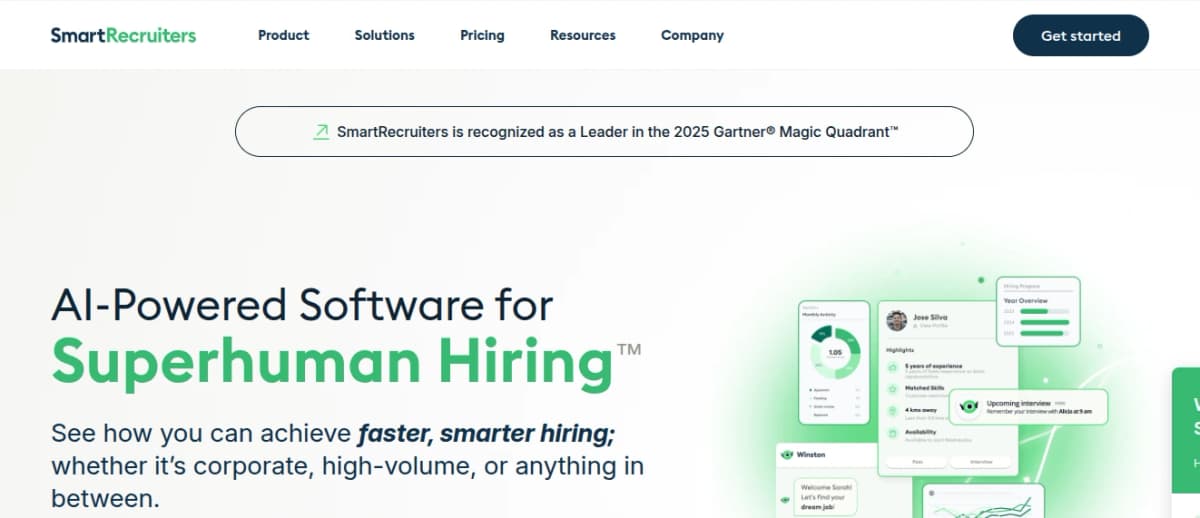
SmartRecruiters is an all‑in‑one recruitment automation tool designed for corporate hiring teams. It combines job posting, candidate sourcing, applicant tracking, and onboarding under one platform. Its talent marketplace and AI‑driven candidate matching make it easy to find the right person quickly.
Key Benefits
- Uses AI to match hires and suggest top resumes
- Posts your jobs across multiple channels and the SmartTalent marketplace
- Supports high‑volume and strategic roles through flexible plans
Pricing: Plans start at about $14,995 per year
Best For: Corporate and enterprise teams (50+ employees) seeking a scalable recruitment automation tool with robust features.
How to Use It Best: Begin with the Essential plan. Post open roles to multiple job boards and the SmartTalent marketplace.
Customize AI‑matching rules and schedule interviews through SmartRecruiters’ embedded calendar. Use mobile features to manage hiring anytime. Regularly review analytics to track performance and improve workflow efficiency.
How to Choose the Right Recruitment Automation Software
With so many options available, choosing the right recruitment automation software tool can feel overwhelming. The best approach is to ask the right questions during demos, watch for common red flags, and know which features are essential in 2025.
Demo Questions for Recruitment Automation Software Vendors
Use these questions to guide any product demo or sales call:
- How does your tool automate resume screening and ranking?
- What integrations are available with our existing ATS, email, or calendar tools?
- Can we customize workflows for different roles or teams?
- What analytics and reports are available, and how easy are they to access?
- How long does setup take, and what support is included after launch?
- Are there limits on job postings, users, or candidates per month?
- How do you ensure data security and compliance, especially for remote or global teams?
Asking these demo questions for recruitment automation software vendors helps you compare tools based on real use cases, not just feature lists.
Important Features in 2025
- AI-driven resume parsing and matching
- Automated scheduling and follow-ups
- Talent pool management and passive sourcing
- Clear analytics dashboards
- Integration with top ATS and HR tools
- Mobile access and multilingual support
- DEI support: blind screening, bias checks, and inclusive workflows
Choosing the right tool is less about chasing trends and more about finding a system that fits your hiring process and grows with your team. Always test the features that matter most and don’t be afraid to walk away if something feels off.
How to Measure ROI of Your Recruitment Automation Tool
Once your system is up and running, the next step is knowing if it’s actually helping. Many teams invest in automation but fail to check whether it improves outcomes. These are the core metrics that reveal whether your tool is delivering real value:
- Time-to-Hire: Has the number of days from job post to offer decreased? A strong tool should cut time-to-hire by at least 20–40%.
- Cost-per-Hire: Has your hiring cost dropped? Factor in recruiter hours, software fees, and agency expenses.
- Quality-of-Hire: Are new hires performing well, staying longer, and getting promoted faster?
- Offer-Acceptance Rate: Are more candidates saying yes? A better process should lead to more accepted offers.
- Recruiter Productivity: Are your recruiters spending less time on admin and more on strategy?
How to Track Improvements
- Set a baseline: Capture your current numbers before launching the tool.
- Use built-in reports: Most recruitment automation tools offer dashboards, start there.
- Compare quarterly: Measure key metrics every 90 days. Look for steady improvements, not overnight shifts.
- Survey candidates and hiring managers: Feedback reveals blind spots that metrics miss.
- Tie results to goals: Link performance data to your hiring goals: faster fill times, better retention, or improved candidate experience.
If your data shows real progress across these metrics, it’s a sign your recruitment automation tool is working. If not, it might be time to adjust your workflows, or consider a different platform.
Don’t Miss: Top 7 HireEZ Alternatives, Ranked
FAQs About Recruitment Automation Tools
What is the best software for recruitment?
The best recruitment software depends on your company size and hiring needs. Top-rated options in 2025 include:
- HiveMind AI: Best for skill-based resume screening and interview automation
- Workable: Best for job board distribution and candidate pipelines
- Paradox: Best for high-volume hiring with conversational bots
Which CRM is best for recruitment?
The best recruitment CRMs are built to track candidate relationships and automate engagement. Leading options in 2025 include
- Recruit CRM: Combines CRM and ATS with customizable pipelines
- Manatal: Offers AI matching and built-in sourcing tools
- Zoho Recruit: Strong CRM features for agencies and internal HR
Which companies use AI for recruiting?
Many global companies now use AI to automate parts of their recruiting process. Examples include: Unilever, Hilton, Amazon, Deloitte etc.
What is RPM in recruiting?**
In recruiting, RPM usually refers to Recruitment Process Management. It involves designing, organizing, and improving the steps involved in hiring, such as sourcing, screening, interviews, and offers.
Recruitment automation tools play a key role in RPM by standardizing workflows, improving speed, and reducing manual errors.
What does RPA stand for in recruitment automation?
RPA stands for Robotic Process Automation. In recruitment, it refers to the use of bots or scripts to automate repetitive tasks like data entry, resume parsing, and status updates.
RPA tools can work alongside recruitment automation tools to boost efficiency, especially in high-volume hiring.
Conclusion on Recruitment Automation Software
Manual hiring processes create delays, increase bias, and waste time. The right recruitment automation tools solve these problems and help you focus on better decisions.
If you’re ready to modernize your hiring, start with a tool that’s built for real results. HiveMind AI helps you screen candidates automatically, rank resumes based on skills, and handle interviews without manual effort. It’s simple to set up, budget-friendly, and designed for growing teams that want more control over hiring.
The future of recruiting isn’t coming. It’s already here. And the sooner you start using the right tools like HiveMind AI, the faster you’ll get the hires you actually want.
Learn More